fb-pixelSkip to main content
THE #1 RANKED AI PHOTO EDITOR

AI Blemish Remover - Remove Pimples From Photos

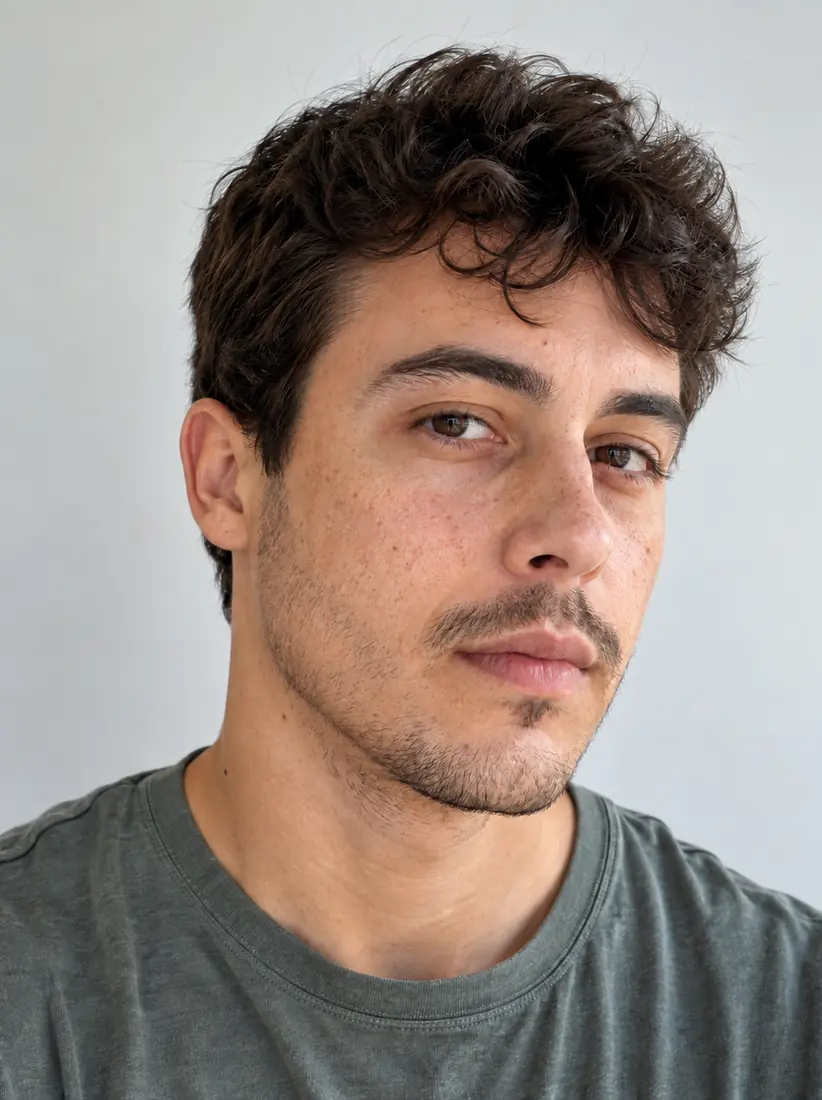
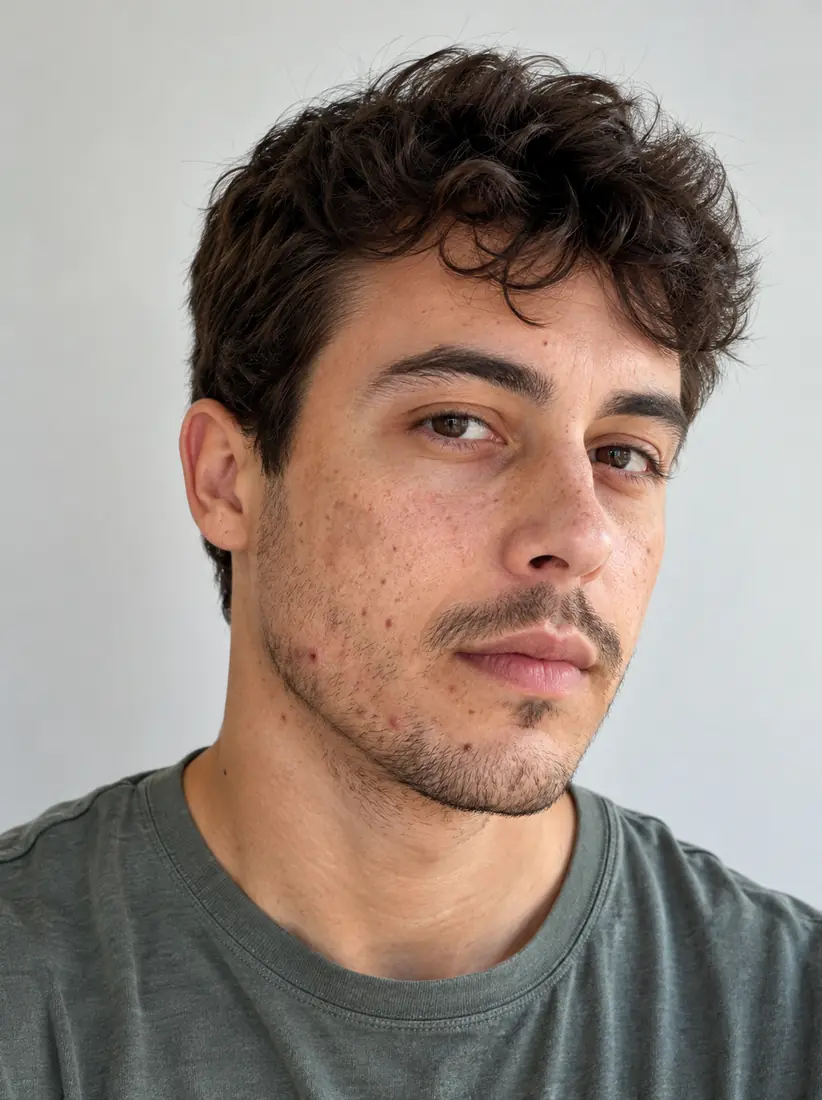
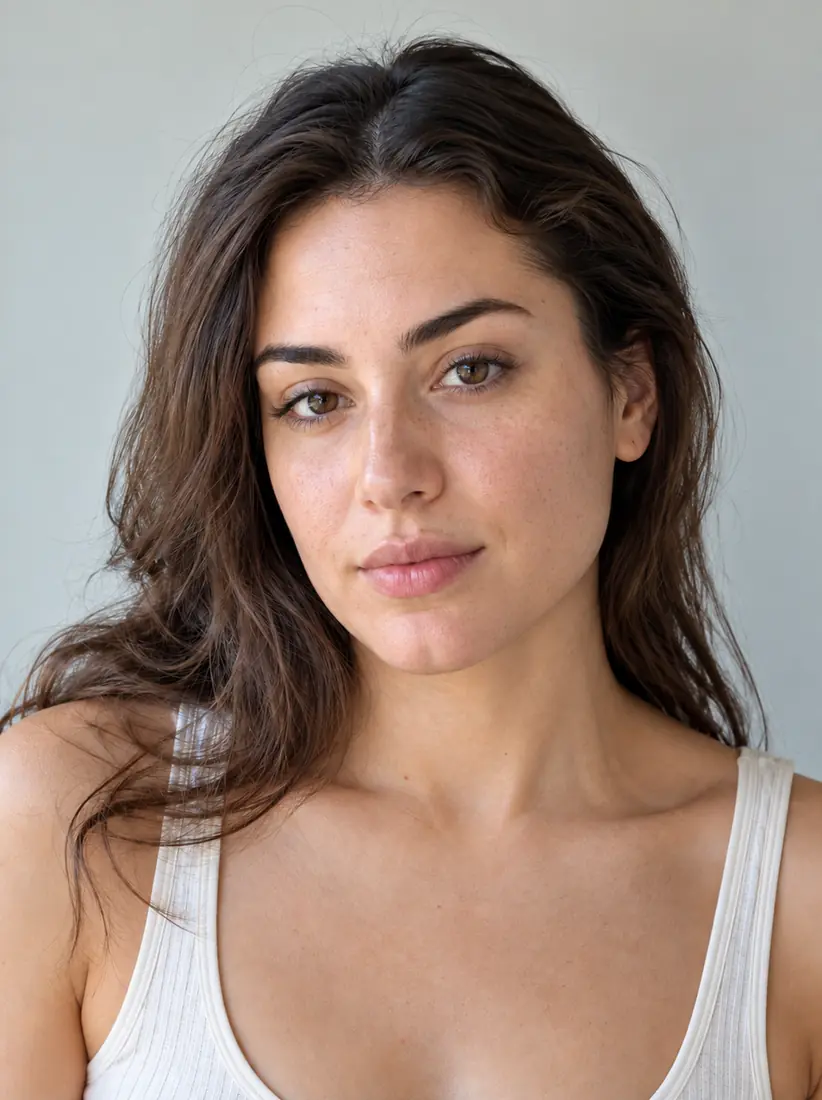
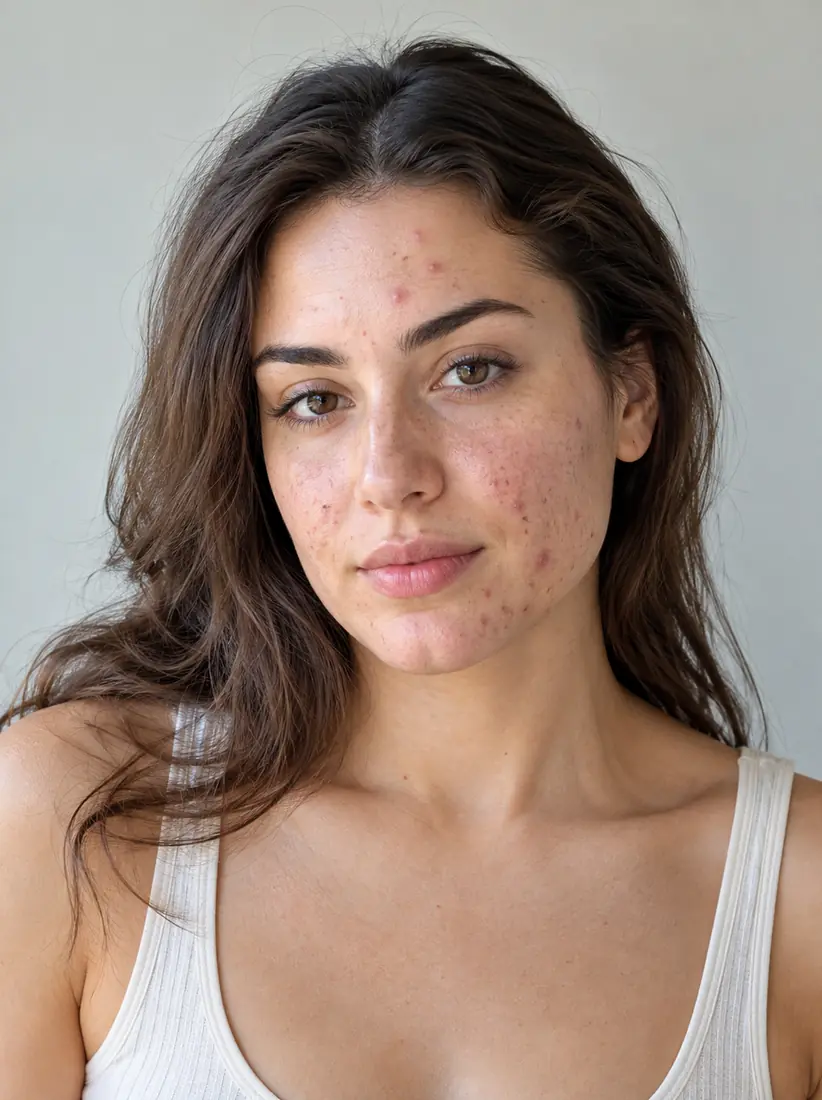
Use Aragon's AI blemish remover to soften pimples, acne marks, dark spots, and other visible skin marks in a portrait. The retouch keeps the original face, skin texture, and lighting.
total reviews on
Click on one of these photos to try:
1
2
3
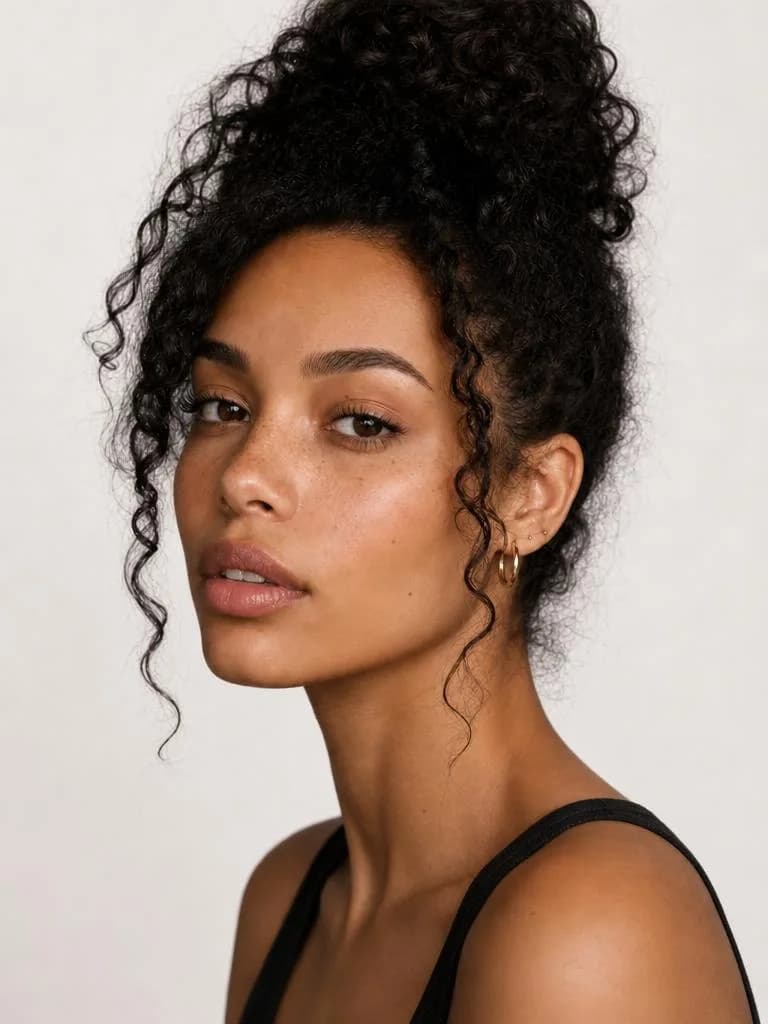
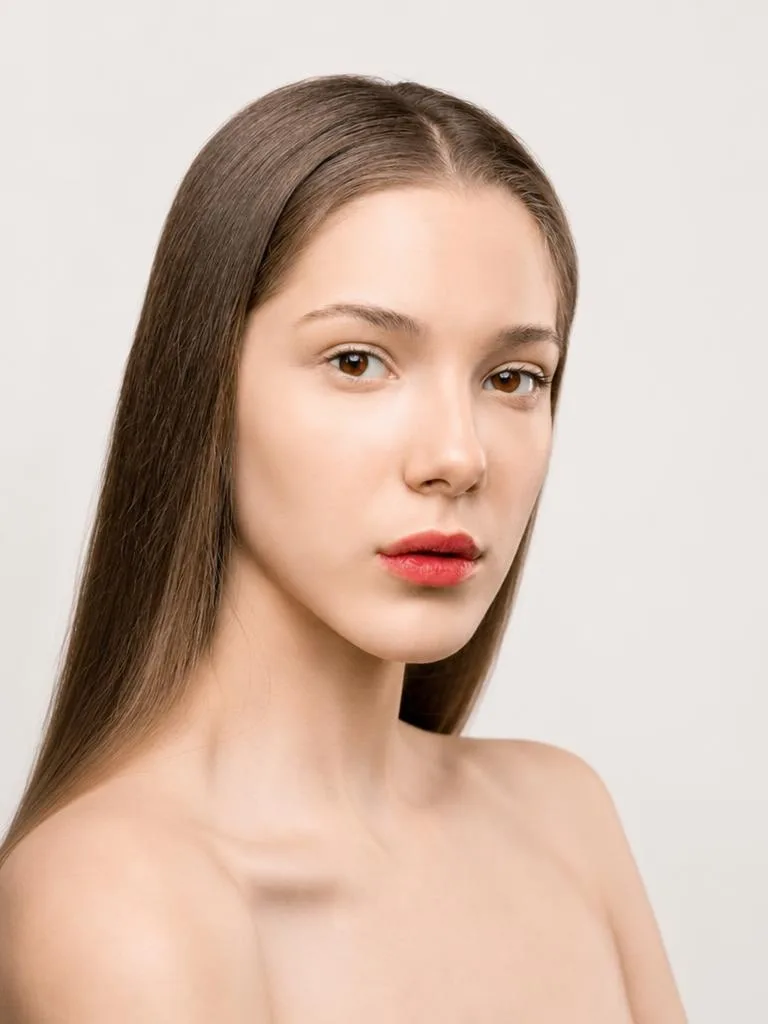
A close-up beauty shot shows glowing, refined skin after the Face Enhancer tool smooths out imperfections.
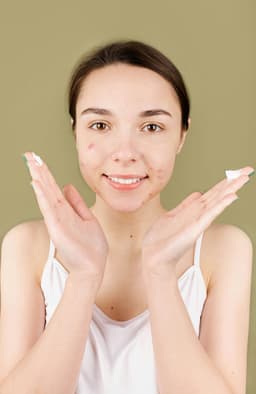
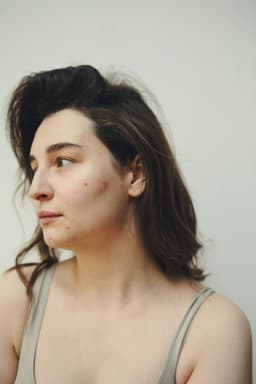
A close-up shows visible blemishes on bare shoulders and cheeks, before the Face Enhancer tool smooths the skin.
Before
After

Trusted by Industry Leaders. Millions of images edited to date.

PWC logo
Microsoft logo
ASU logo
redfin logo
New York University logo
Trinity College Dublin logo
University of Michigan logo
Keller Williams logo
AT&T logo
Berkeley logo
See it work

Blemish Remover Before and After Results

Compare the original portrait with the updated result.

Before
After

Pimples

Before
After

Dark spots

Acne marks/dark spots

Before
After

Full retouch

Full portrait retouch

How Do You Remove Blemishes From a Photo?

Upload a portrait, let Aragon apply the blemish retouch across the image, then review and download the result.

  1. Uploaded
    1

    Upload Your Photo

    Upload a clear portrait where the face and skin details are visible.

  2. RemoveBlemishes
    2

    Apply the Blemish Retouch

    Aragon detects visible skin marks such as pimples, acne marks, dark spots, and freckles and softens them across the image.

  3. Before
    After
    Download
    3

    Review and Download

    Compare the result with the original portrait, then download the updated photo.

What it fixes

What Can the AI Blemish Remover Edit?

Aragon focuses on visible skin marks while keeping the main facial details consistent.

A close-up shows visible blemishes on bare shoulders and cheeks, before the Face Enhancer tool smooths the skin.Before
A close-up beauty shot shows glowing, refined skin after the Face Enhancer tool smooths out imperfections.After

Pimples and Breakouts

Soften visible pimples or temporary breakouts in selfies and portraits.
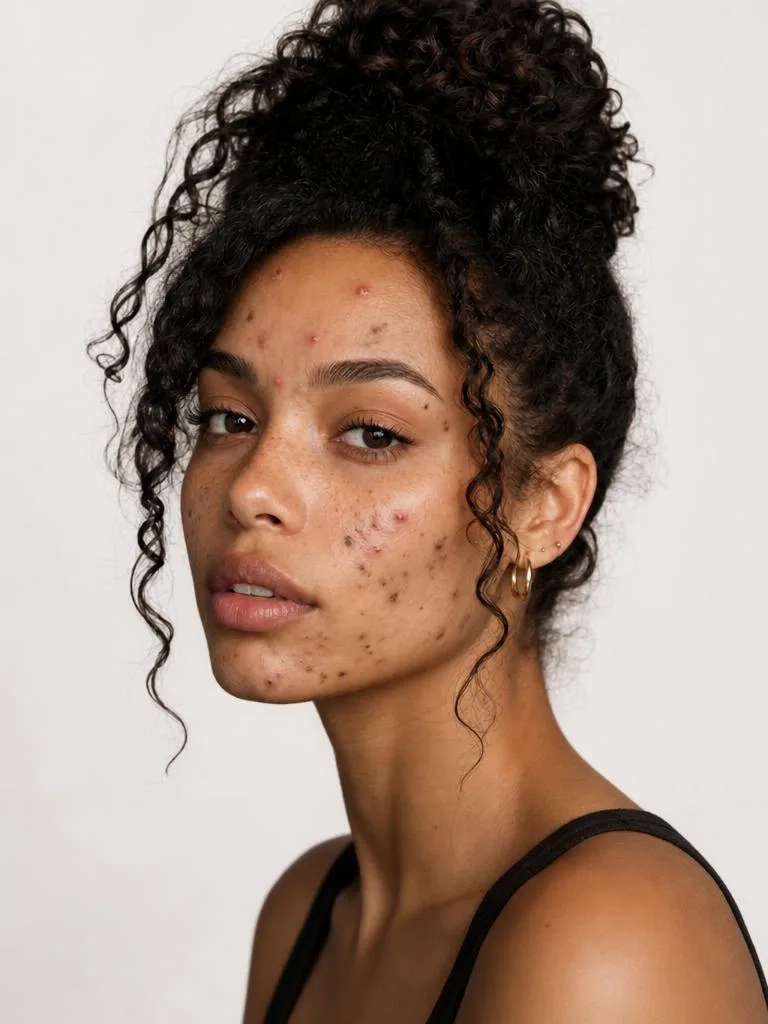
Acne MarksBefore
Acne MarksAfter

Acne Marks

Reduce visible marks like acne without changing the overall face.
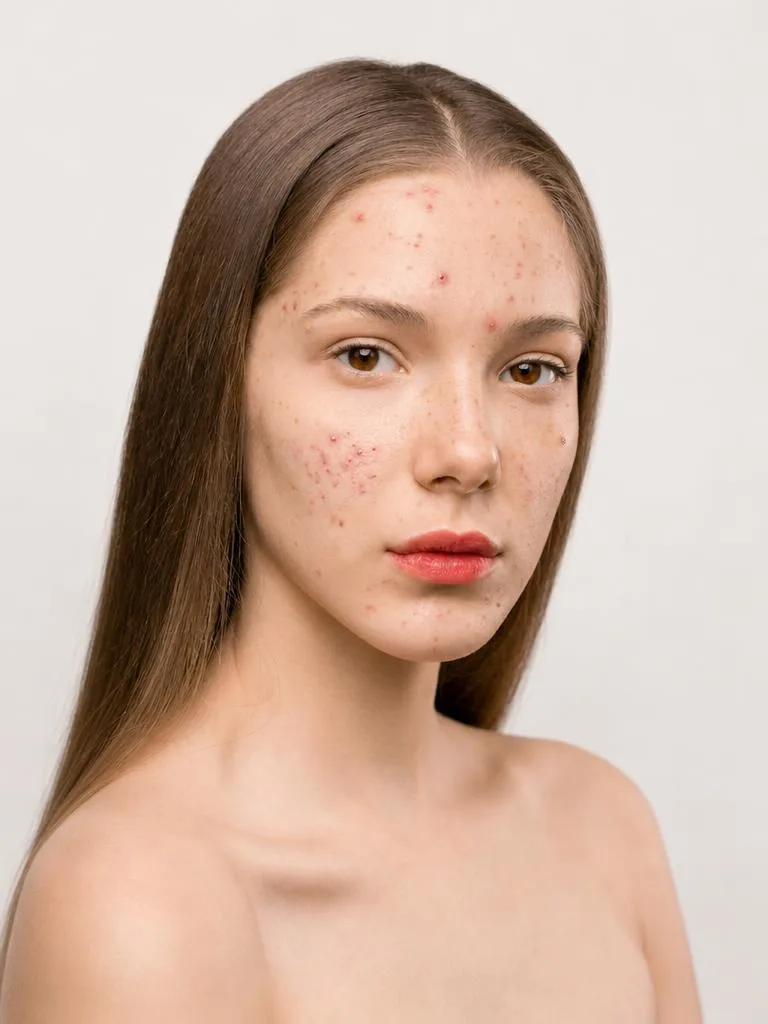
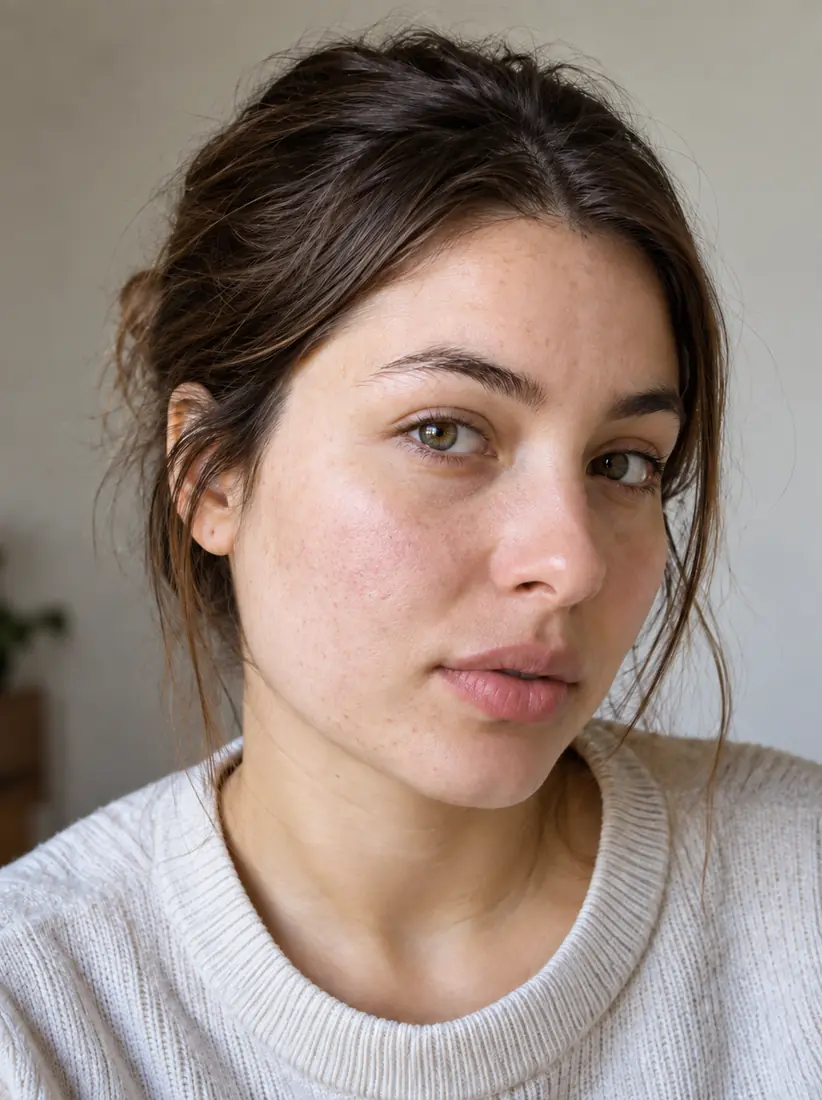
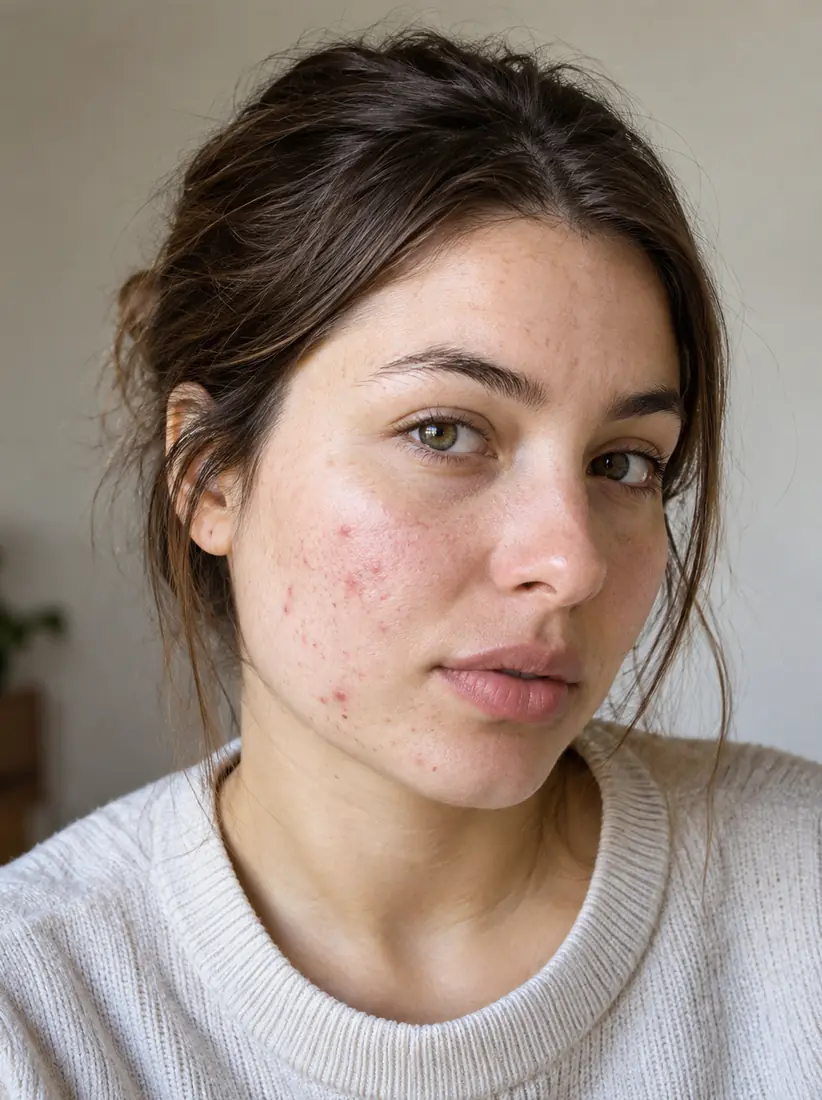
A close-up portrait shows visible acne and uneven texture, before the Face Enhancer tool refines the skin.Before
A close-up portrait shows clear, even skin after the Face Enhancer tool refines the complexion.After

Dark Spots

Soften visible dark spots while keeping nearby skin details consistent.
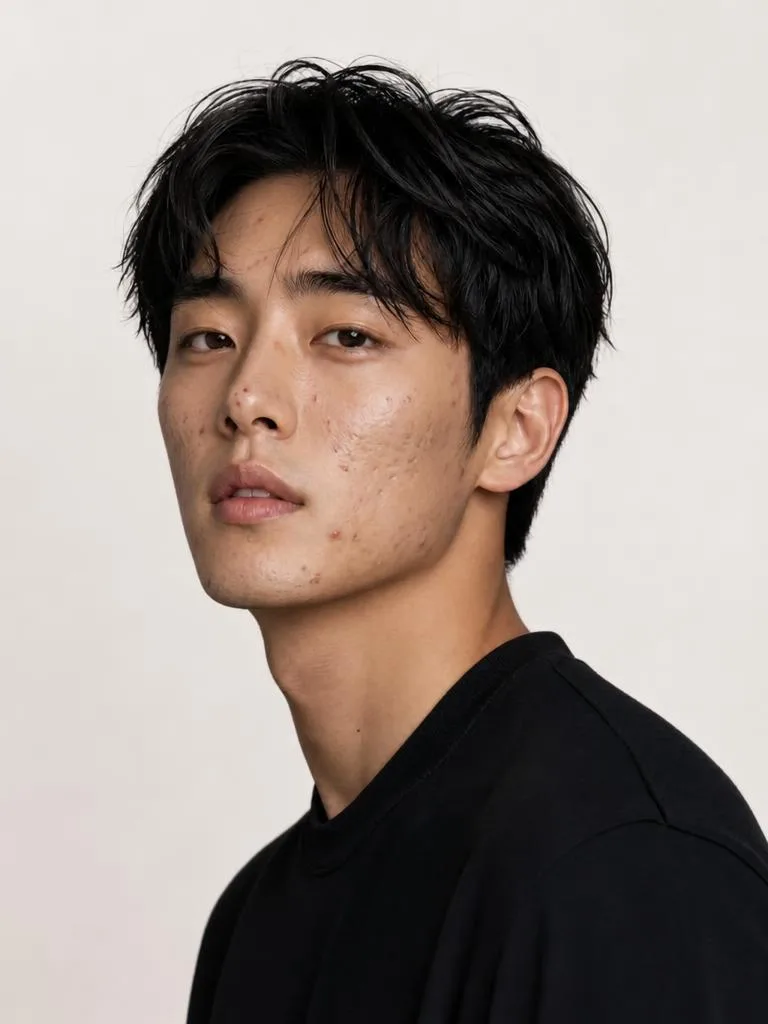
Young man with tousled black hair and visible acne spots in a black tee on a plain light backgroundBefore
Young man with tousled black hair and smooth clear skin in a black tee on a plain light backgroundAfter

Natural Skin Detail

Aragon is designed to keep skin texture and lighting natural rather than applying a heavy smoothing effect across the entire face.

When Can You Use a Blemish Remover?

Use Blemish Remover when you want a light portrait retouch while keeping your photo original.
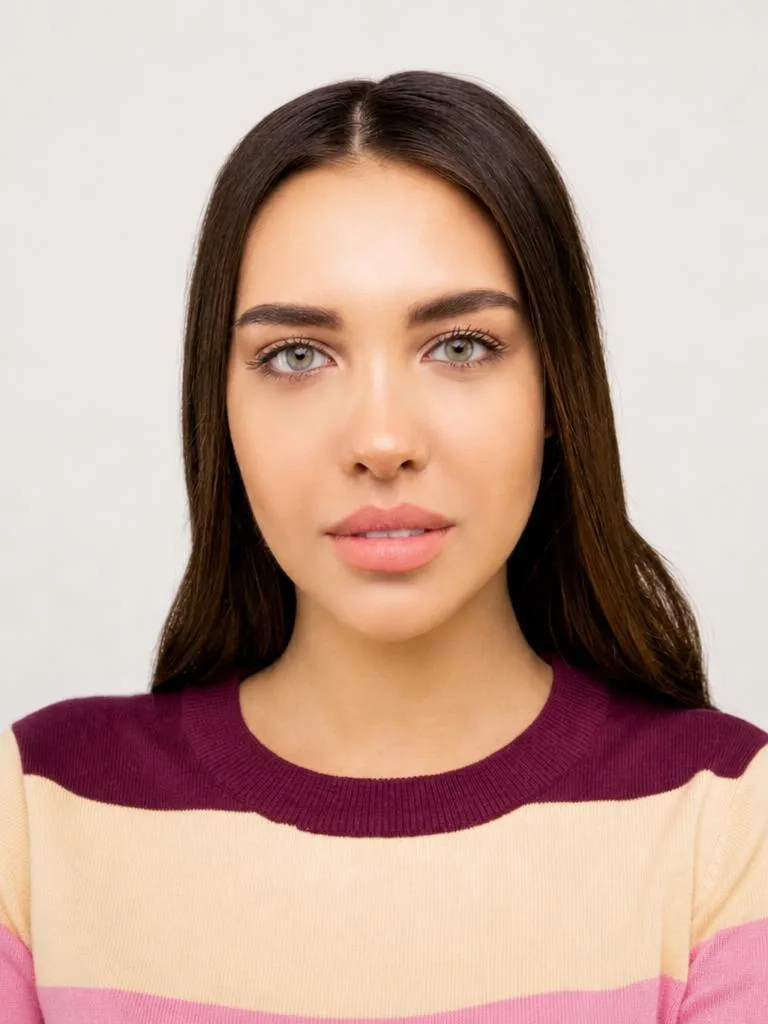
  1. Selfies and Social Photos

    Selfies and Social Photos

    Soften temporary pimples or skin marks before using a selfie or social photo.
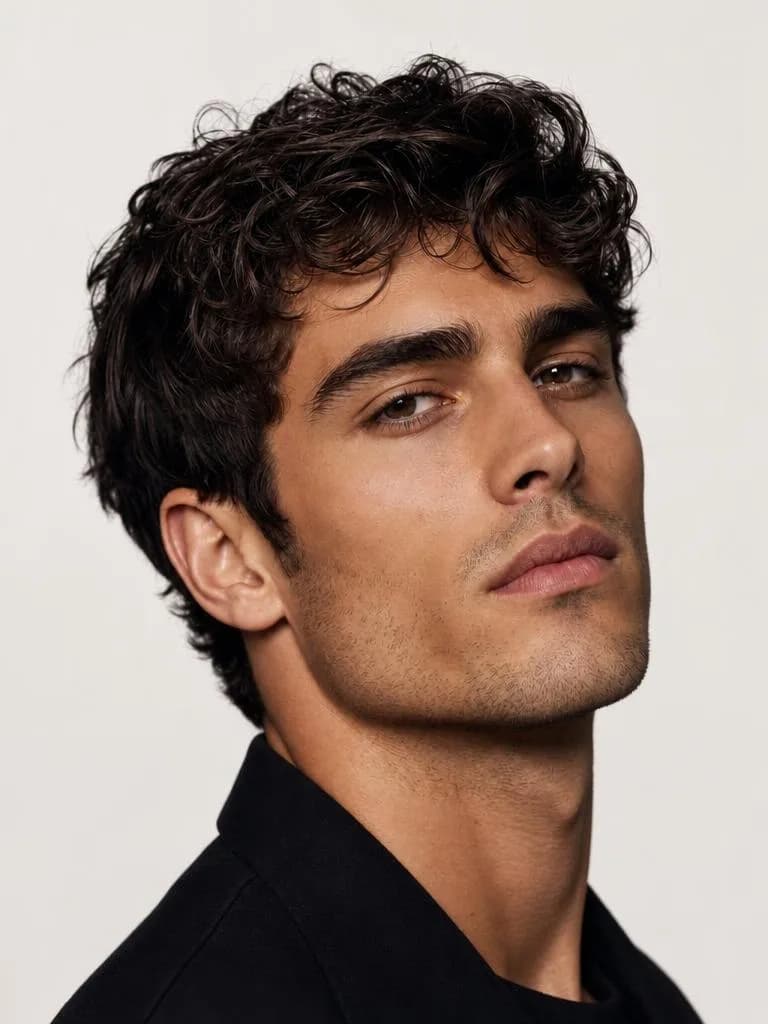
  2. Professional Headshots

    Professional Headshots

    Apply a light retouch to a headshot while keeping the person's facial details and overall appearance consistent.
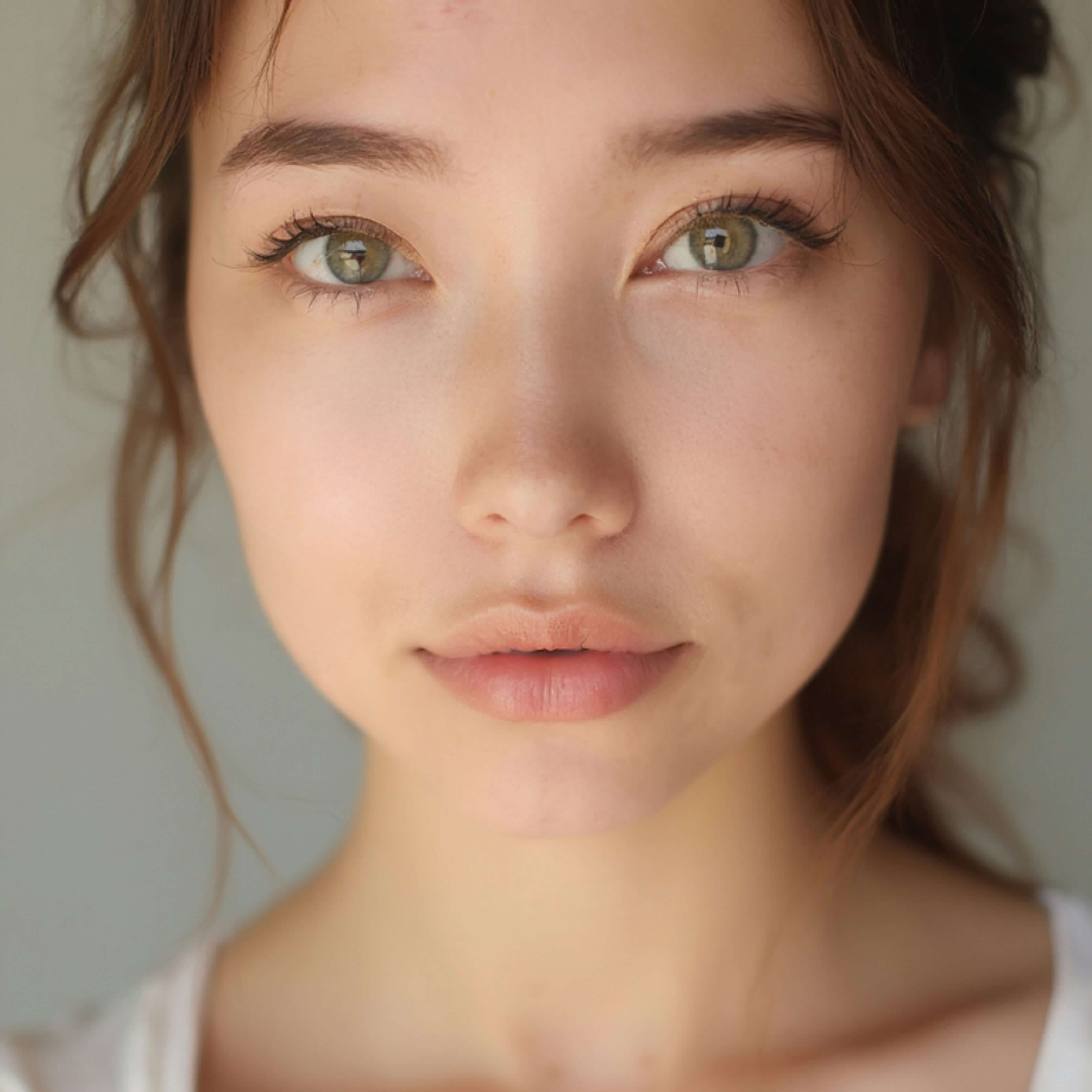
  3. Profile Photos

    Profile Photos

    Update a profile portrait when you want to reduce temporary skin marks without changing the main features.
  4. Portrait Photography

    Portrait Photography

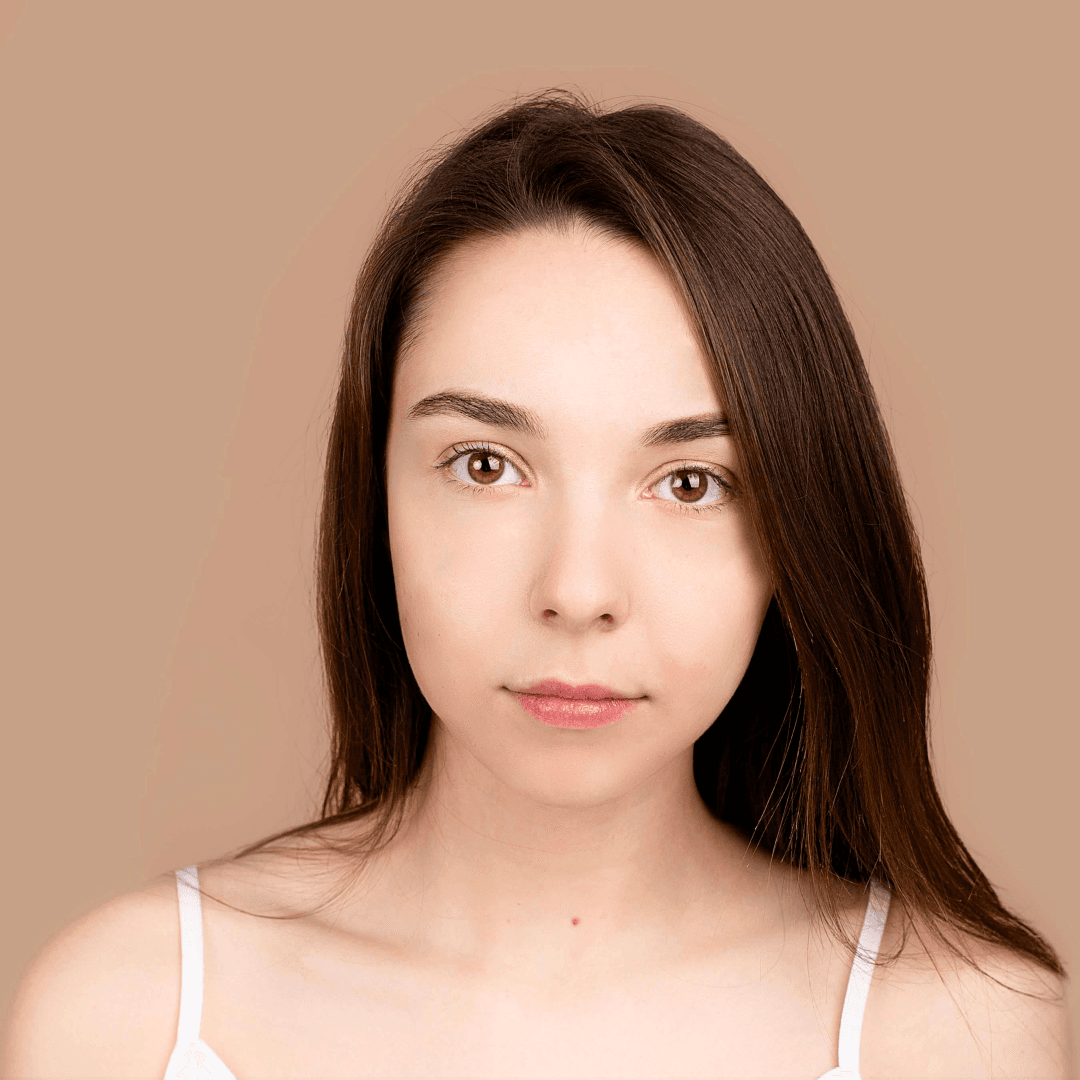
    Retouch visible spots in close-up portraits or group photos without applying a broad beauty filter.

Which one do I need?

Blemish Removal vs. Skin Smoothing

Aragon's tool is built specifically around blemish removal: cleaning up visible imperfections without erasing the natural texture of your skin.

Primary ActionSoftens and removes visible spots and acneBlurs and softens broad facial areas
Skin TexturePreserves pores, grain, and natural skin textureFlattens texture, creating a plastic or airbrushed look
Facial DetailsKeeps natural shadows, freckles, and lighting intactOften washes out subtle facial contours
Best Used ForBreakouts, acne scars, and stray blemishesBroad digital makeup and glamour filtering
Reviews

What Our Customers Say

total reviews on
Free daily credits

Retouch Blemishes in Your Photo

Upload a portrait and soften visible pimples, acne marks, dark spots, and other skin marks with Aragon.

Your photos stay privateNo editing skills requiredJPG, PNG, WEBP, HEIC

Have a question? We're here to help

Customer satisfaction is our number one priority. Our live agents are available 7am - 11pm (PT), 5 days Sunday through Thursday.

An AI blemish remover retouches visible skin marks such as pimples, acne marks, and dark spots in a photo.

Upload a portrait, and Aragon detects visible blemishes across the image. It softens those areas while keeping the main facial details, skin texture, and lighting consistent.

Upload the portrait to Blemish Remover and apply the retouch. Aragon detects visible pimples across the image and softens them in the edited result.

Aragon can retouch pimples, acne marks, dark spots, freckles, and other visible skin marks detected in the image.

Not with Blemish Remover. The tool currently applies its retouch across detected blemishes in the image. Use Magic Eraser when you need to target one specific area.

The tool is designed to focus on visible blemishes while keeping the skin texture and lighting from the original portrait.

Yes. Blemish Remover changes visible skin marks rather than changing the person's main facial features.

Yes. Freckles may be softened as part of the full-image blemish retouch because the tool currently applies the edit across detected skin marks.

Yes. You can use it for a light retouch on a professional headshot, profile photo, selfie, or portrait.

Use a clear portrait where the face and skin details are visible. Photos with very dark areas or heavy blur can make the retouch harder to apply accurately.

No. Upload the photo, and Aragon applies the blemish retouch automatically.

Yes. Aragon runs in your browser, so there is nothing to install. You'll need an account to use your credits and access your saved work.

Yes. Free credits come with your account, so you can try it before you upgrade.

Processing time can vary based on the photo and current demand. You can review the edited result when processing finishes.

Paid plans export without a watermark, while free exports may include one. Check the pricing page for details.

Usage rights depend on your plan and the specific content generated. See Aragon's Terms and Conditions for full details.

Your uploads stay private during processing. For full details, see Aragon's Privacy Policy.

Try Aragon's AI powered editing tools today

The Leading AI Headshot Generator for Professionals

Trustpilot

Trusted by professionals and teams

Earn 30% for every referral

Join our affiliate program for free!

SOC 2 Type II compliant

Copyright © 2026 Aragon AI, Inc. All rights reserved.

Terms of Use & Privacy Policy