Virtual Headshots for Remote Teams and Employees [2026 Guide]

Last updated: June 2026
We live in a virtual world now (for better or worse). There's a good chance you work virtually on a remote team, and you may have never met any of your teammates in person before.
Your company, department, and team members might only know you by your virtual headshot—the one you use for your email profile, Slack, business directory, and social media. That one.
Your virtual headshot says a lot about you, and often, it's the first impression you make with strangers. Are you happy with the impression you're currently making with yours?
Regardless, the days of coordinating schedules with your team for a full photo shoot and traveling to a photographer's studio are long gone. Whether you're updating your headshot as a solo employee or part of your team's collective efforts, you can now use virtual headshot sessions to streamline and simplify the process.
But what exactly is a virtual headshot, and why are they becoming a go-to for companies with remote teams? Good questions—we have answers.
Below, we'll walk you through everything you need to know about virtual headshots for remote teams and employees to capture the perfect professional look from the convenience of your own home.
What Is a Virtual Headshot?
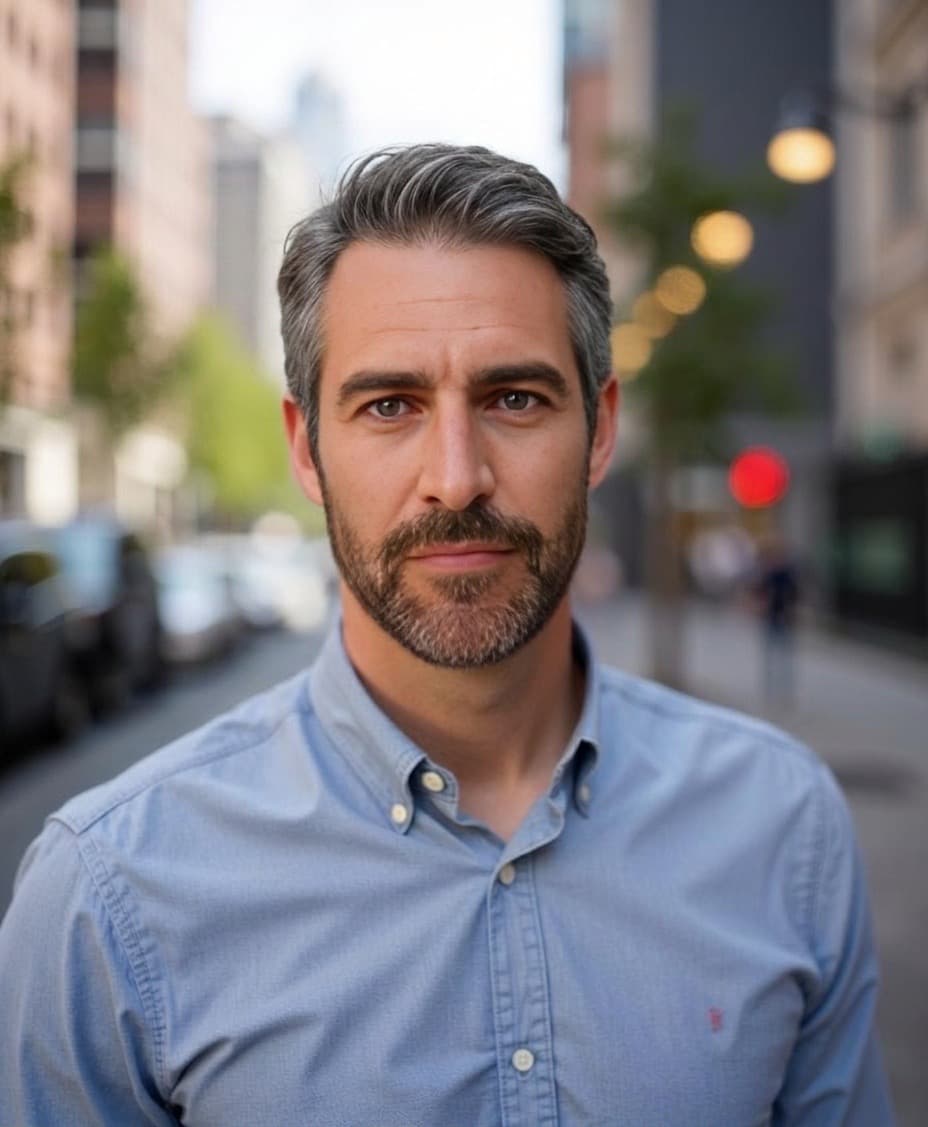
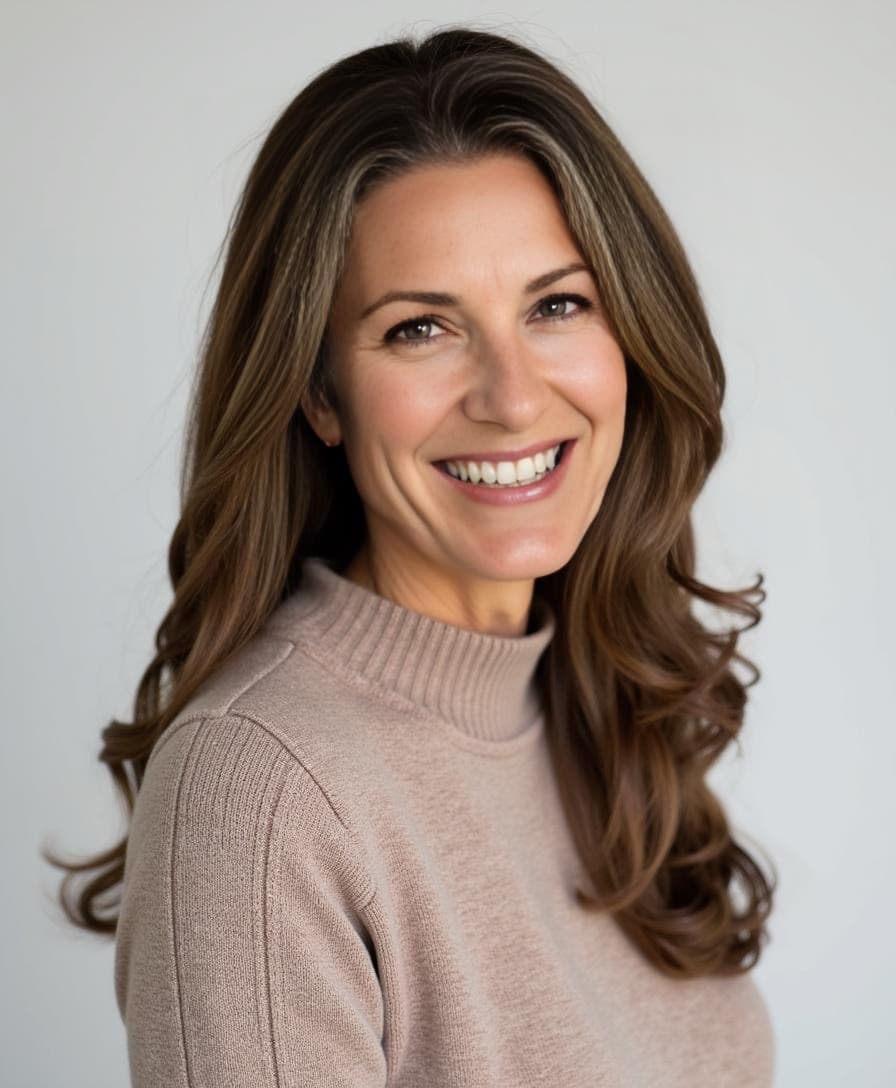
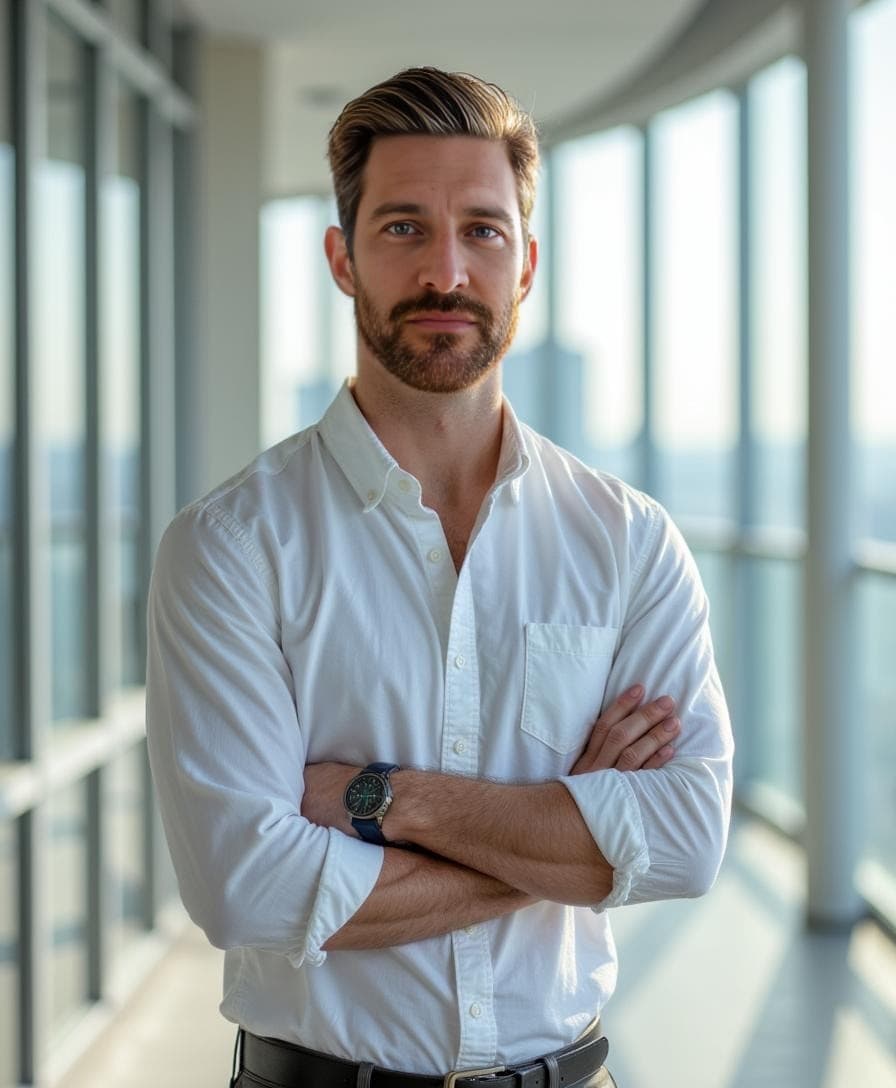
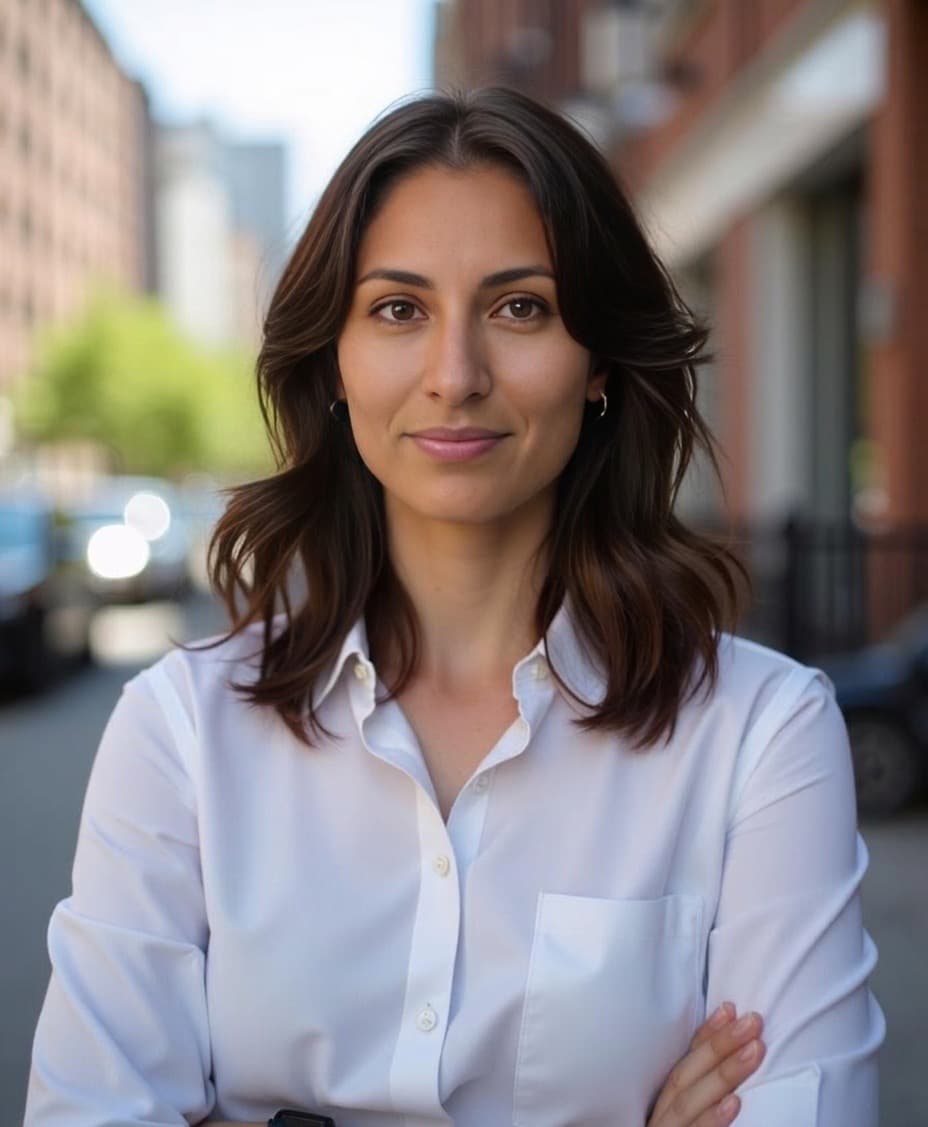
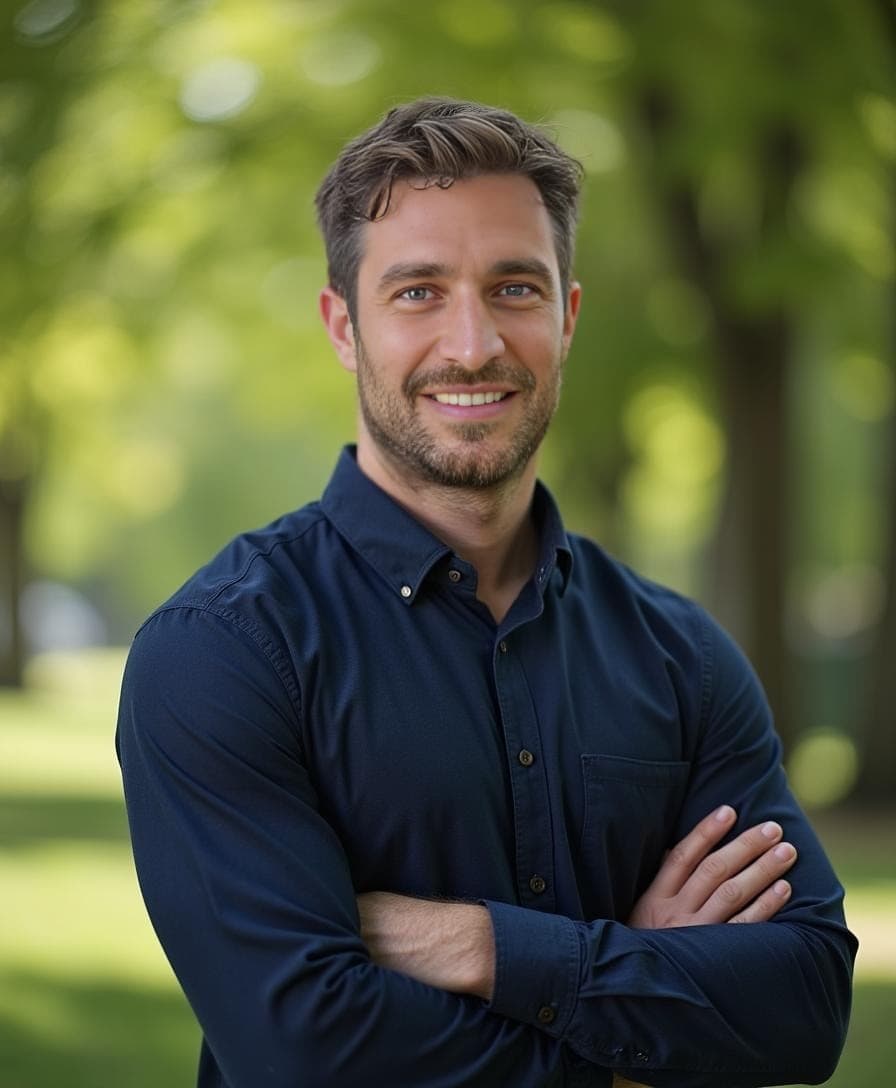
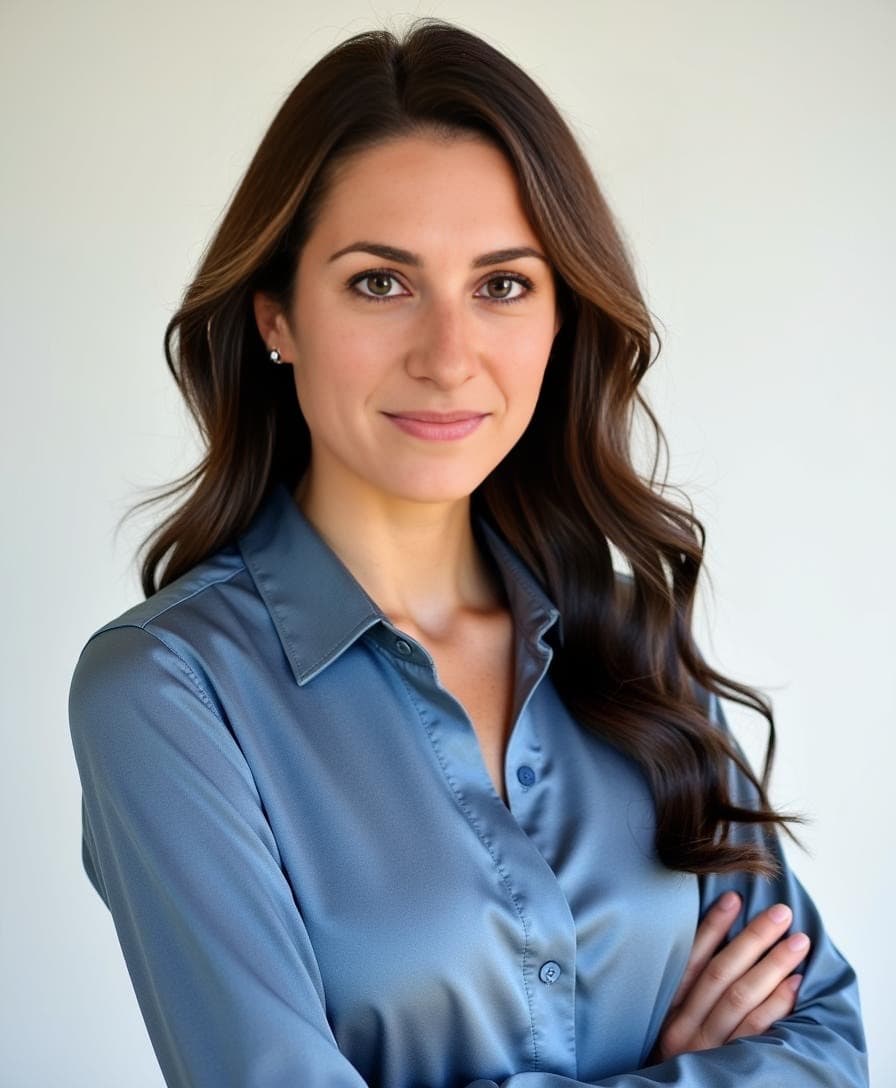
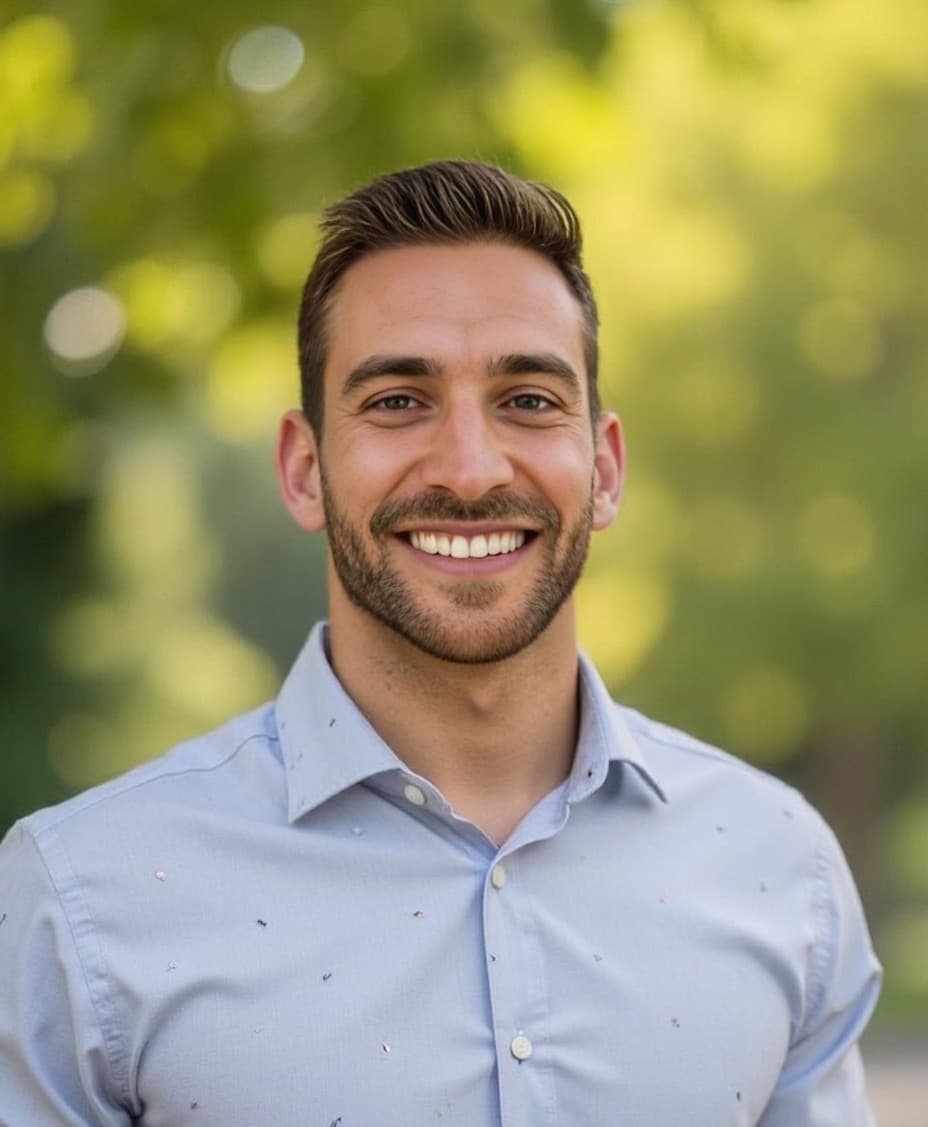
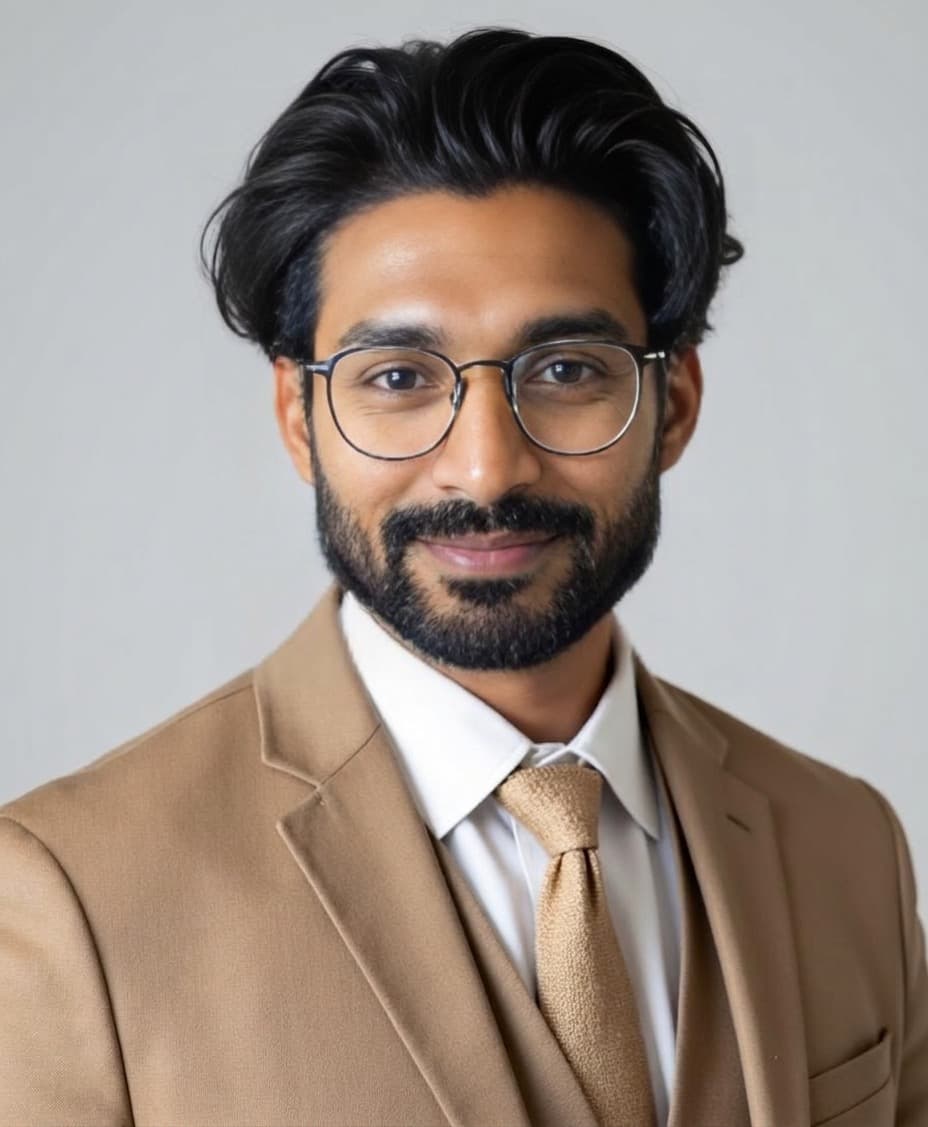
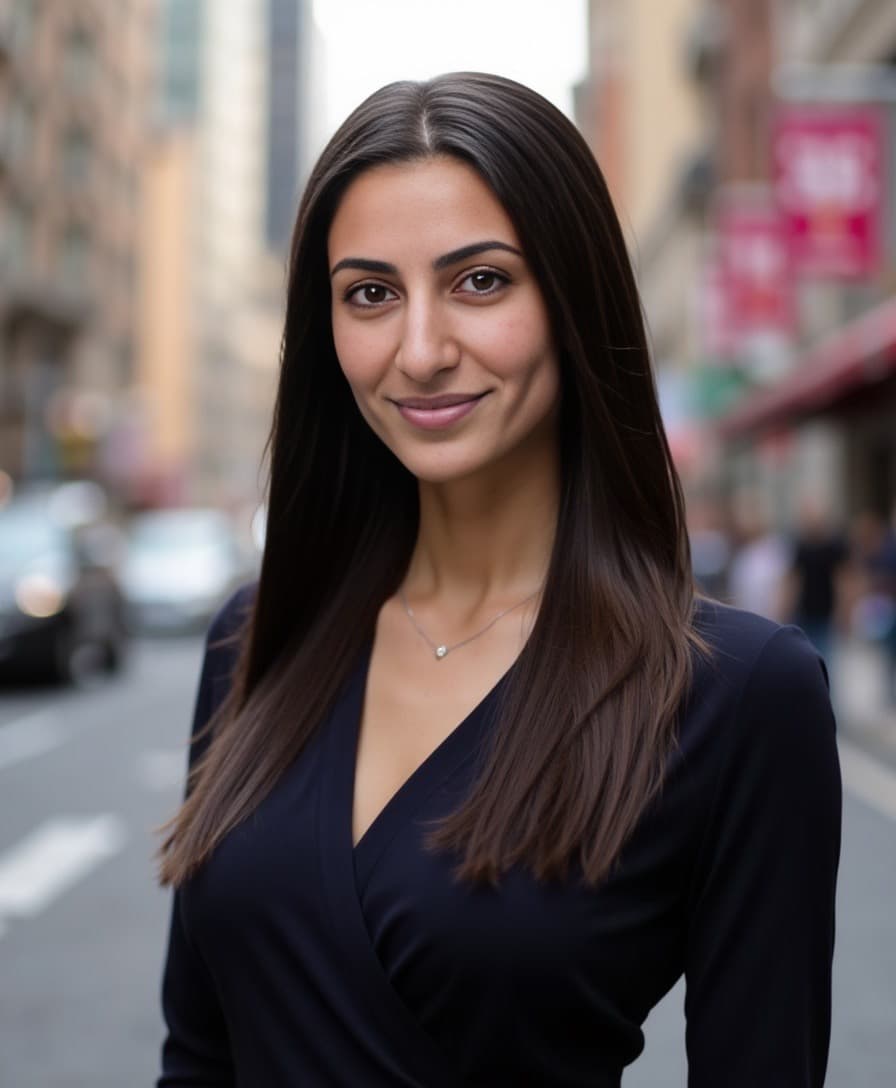
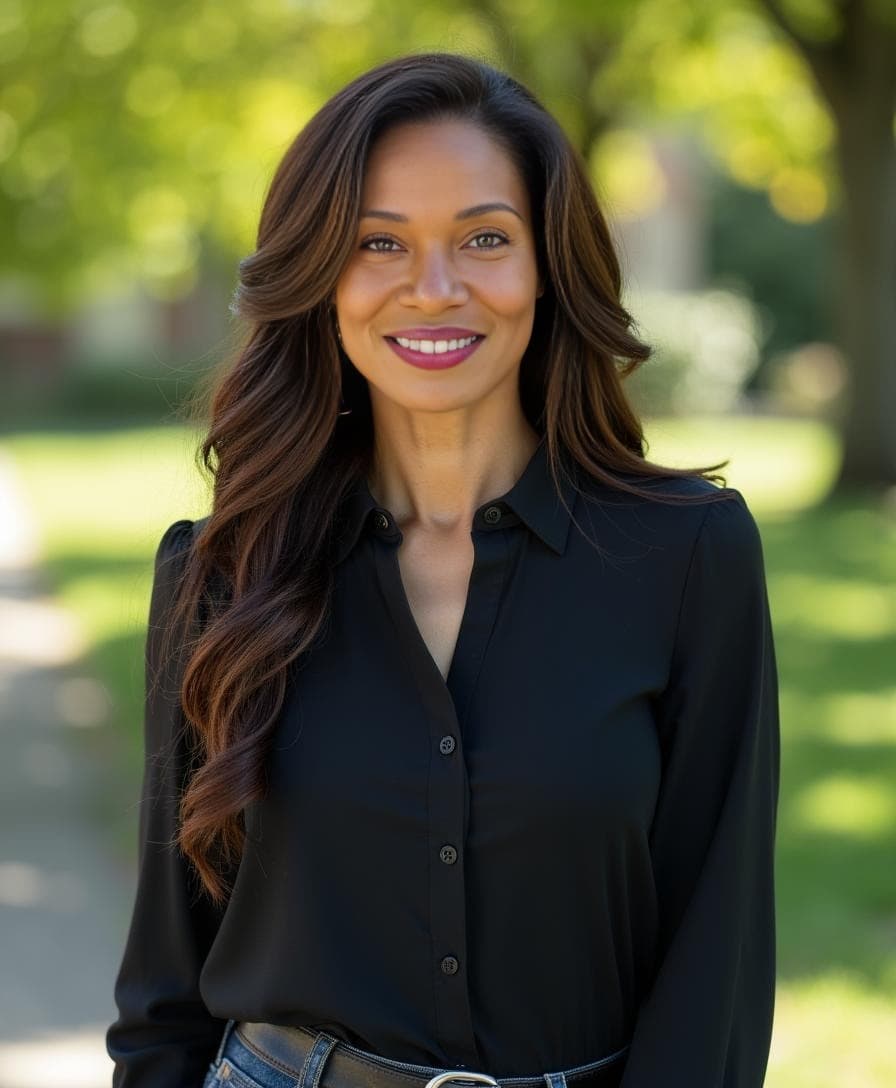
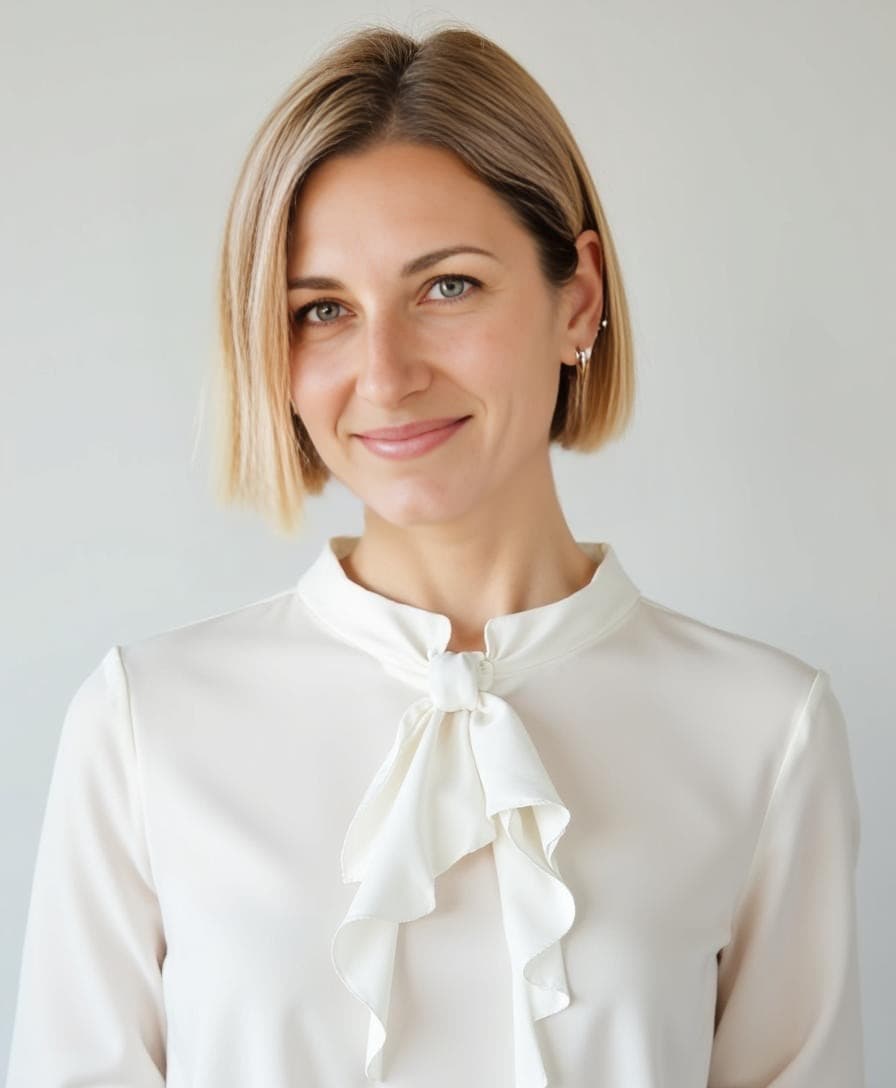
Virtual headshots are taken remotely (often with just a smartphone or a webcam) instead of in a traditional studio or with a photographer. Taken correctly (and with the right tools), these headshots deliver the same professional quality and polish you'd expect from an expensive headshot session.
Thanks to AI generator tools like Aragon, you can take virtual headshots for your teams and employees from anywhere in the world. Our AI does the hard work to edit, polish, and adjust your headshots to meet whatever criteria you want:
Wardrobe: Try on multiple outfits to see which suits you best using our Clothing Changer tool.
Style: Go for that classic professional look or spice things up for a creative style.
Background: Swap between plain, textured, and fun backgrounds—from a sleek office interior to an urban brick wall—using our Background Changer.
Poses: Keep things cool and natural, or get creative with different angles, nods, and subtle arm movements.
And all you have to do is upload a few of your favorite selfies. Seriously, that's it.
Remote Headshots: What Makes Them Different?
Remote headshots are professional photos taken without a photographer present — entirely self-directed, from wherever the subject happens to be. Unlike traditional studio sessions, there's no travel, no scheduling coordination, and no photographer to direct poses in real time.
For remote workers and distributed teams, this is actually the ideal setup. Most remote employees work across different time zones, offices, and home setups — making a coordinated in-person shoot logistically impractical.
Here's what sets remote headshots apart:
| Remote Headshots | In-Person Studio Session | |
|---|---|---|
| Location | Anywhere with decent light | Photographer's studio |
| Scheduling | Individual, on your own time | Coordinated group booking |
| Turnaround | ~30 minutes (with Aragon) | Days to weeks |
| Cost | Fraction of studio rates | Photographer + studio + travel |
| Consistency | AI ensures uniform output | Varies by lighting and session |
| Scalability | Entire team simultaneously | One person at a time |
For companies with remote employees spread across multiple locations — or even multiple countries — remote headshots aren't just a convenience. They're the only practical way to keep everyone's professional photos consistent and up to date.
Why Choose Virtual Headshots vs. Traditional Photoshoots?

You meet with your team online, chat with them online, work with them online—so why not take your virtual headshots online? Here's why a virtual headshot is the better option in today's modern work environment:
| Benefit | Virtual Headshots | Traditional Photoshoots |
|---|---|---|
| Cost | Fraction of traditional pricing | Photographer fees + studio + travel |
| Location | Anywhere (home, office, park) | Photographer's studio |
| Scheduling | On your own time | Coordinate everyone's calendars |
| Turnaround | About 30 minutes | Days or weeks |
| Consistency | AI ensures uniform quality | Varies by session and lighting |
| Customization | Free editing tools included | Additional fees per change |
Cost-Effective: Virtual headshots cut out hefty photographer fees and studio costs. Plus, no money wasted on wardrobe changes or travel costs.
Convenience: Take your virtual headshots when and where you want—be it your cozy home office or that quaint little park bench. No need to herd your remote team to a studio.
Flexibility: Early bird or night owl, it doesn't matter. Virtual headshots don't care about the clock. Get it done on your time.
Branding: Keep your company's look on-brand and consistent. Virtual setups let you customize everything to fit your brand, down to the background and outfits.
Speed: Virtual headshots give you lightning-fast turnaround times. When you use Aragon, you get your headshots in about 30 minutes rather than days or weeks.
Scheduling: Forget playing diary Tetris to get everyone in the same place at the same time.
Tech: Advanced AI does the heavy lifting—adjusts lighting, tweaks backgrounds, and even makes sure your tie is straight (do you think we didn't notice?).
How to Take Virtual Headshots for Remote Teams and Employees

Taking virtual headshots is relatively simple, especially when you use an AI headshot generator like Aragon. It'll take care of all the nitty-gritty work—you just need to get on the same page with your team on style, timelines, and consistency.
Here's how to make it happen:
1. Choose Your Virtual Headshot Style
Before you send out everyone to get their virtual headshots, get everyone on the same page. Decide on the style that'll fit your team, department, and overall company vibe.
Do you want that sleek, professional look? How about something more creative? Want clean, crisp backgrounds or something outdoorsy?
You're the boss. You get to decide. Just make sure everyone understands your vision.
2. Schedule a Virtual Shoot Day (or Week)
Humans are creatures of habits and schedules. If you never set a day (or week) to take your virtual headshots, it might never happen. Go ahead and choose a time or deadline for your remote team to get their headshots done.
It'll only take about 30 minutes per person, but a little deadline pressure never hurt anyone.
3. Take Your Pictures
Each remote team member just needs to take a few pictures of themselves. Selfies, headshots, shoulder-ups—all of them work great. They might not even need to take new ones if they have up-to-date images of themselves they like.
Tips for better input photos:
- Good natural lighting (near a window)
- No heavy filters
- You're clearly visible in the frame
- Variety of angles
Don't worry too much about perfect quality. Of course, better input always helps with better output, but Aragon knows how to turn lemons into lemonade.
4. Let AI Do the Work
Sit back, relax, and let Aragon do its thing. Our AI headshot generator will fine-tune the quality, outfits, lighting, and backgrounds to help you get the perfect virtual headshot.
In about 30 minutes, each team member receives up to 100 professional headshots to choose from.
5. Customize with Free Editing Tools
Use the free editing tools to perfect your look:
- Background Changer — Match your company's brand colors or style
- Clothing Changer — Try different professional outfits
- Hair Editor — Adjust styling as needed
- Pose Editor — Find the most flattering angle
New users receive free credits to access all editing features.
6. Select Your Favorite Virtual Headshots
We'll give you plenty of options to choose from to find your perfect virtual headshot. Once the whole team is finished, you'll have a collection of professional-quality headshots for your remote team—without all the hassle and costs of traditional headshot sessions.
Aragon vs. Other Virtual Headshot Generators
When it comes to virtual headshots, not all solutions are created equal. Do a quick Google search, and you'll see what we mean.
Yikes.
Here's how Aragon is different:
Realism: While other tools might leave you with headshots that look overly edited or eerily like a wax figure, Aragon focuses on realism. You won't look like a floating head on a photoshopped background. Promise.
Backgrounds: Ever seen those virtual headshots where the background looks like it was slapped on as an afterthought? We know the scene—awkward edges, clashing colors, and just plain weird. Aragon uses sophisticated algorithms to integrate backgrounds smoothly.
Subtle Polish: There's a fine line between polishing up a headshot and turning it into a portrait of the Uncanny Valley. Unlike other tools that might overdo retouching (yes, creepy is the word), Aragon applies enhancements subtly. We aim to enhance your look, not mask it.
Cost: Why pay more for less? Some virtual headshot generators can be surprisingly pricey, especially considering the often mediocre results. We deliver quality at an affordable price point—a fraction of traditional photography costs.
Ease of Use: We believe that taking a virtual headshot shouldn't require a tech wizard. We keep it downright simple and easy. Seriously, it's hard to mess up our process.
Versatility: Corporate look, creative vibe, edgy professional—we've got you covered. We're a one-stop shop for all your virtual headshot needs.
Trusted by millions: Over 2 million professionals and enterprise clients worldwide use Aragon, with a 4.9/5 rating across 5,800+ Trustpilot reviews.
Get Your Best Virtual Headshots with Aragon
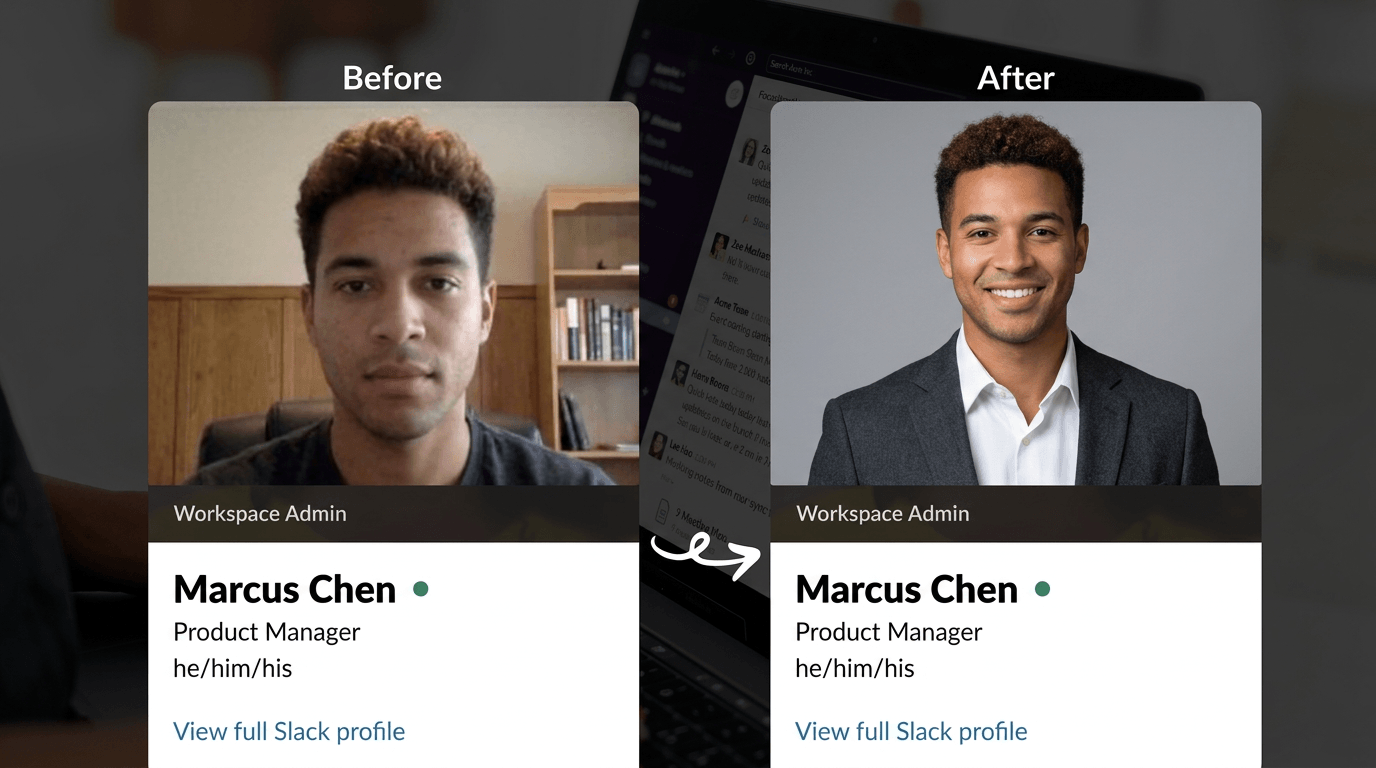
With Aragon, getting your remote team's virtual headshots to look unified and ultra-professional is as easy as pie—actually, even easier (because, let's be honest, pie can be pretty tricky).
What you get:
- Up to 100 studio-quality headshots per team member
- Results in about 30 minutes
- Free editing tools for backgrounds, outfits, and styling
- Consistent quality across your entire team
- Enterprise support for larger organizations
- Money-back guarantee on every purchase
Built by former researchers and engineers from MIT, Google, and other leading institutions. SOC 2® Type II compliant with enterprise-grade security — your team's photos stay private and protected.
We provide virtual headshot plans for businesses and teams of all sizes. For enterprise pricing and dedicated support, contact sales@aragon.ai.
👉 Check out what your remote team's virtual headshot could look like with Aragon
Best Virtual Headshot Service for Remote Employees and Multi-Location Teams
Not all virtual headshot tools are built to handle distributed teams at scale. Here's what to look for — and why Aragon consistently comes out on top for remote and enterprise use cases:
| Criteria | What to look for | Aragon |
|---|---|---|
| Scalability | Handles 5 to 500+ employees simultaneously | ✅ Team plans for any size |
| Consistency | Same quality output regardless of where each person is | ✅ AI ensures uniform results |
| Ease of use | Non-technical employees can complete it independently | ✅ A few selfies, 30 minutes |
| Brand control | Admins can set backgrounds and style standards | ✅ Shared style settings |
| Security | Enterprise-grade data protection | ✅ SOC 2® Type II certified |
| Support | Dedicated account support for teams | ✅ Enterprise support + sales@aragon.ai |
| Turnaround | Fast enough to onboard new hires quickly | ✅ ~30 minutes per person |
Why Aragon is the best virtual headshot service for remote employees:
Aragon requires only a few selfies per person, delivers results in 30 minutes, and maintains consistent quality across every team member regardless of their location or device. Free editing tools let admins standardise backgrounds and styling without needing to re-shoot. With SOC 2® Type II compliance and over 2 million users, it's the most trusted solution for distributed teams needing professional headshots at scale.
For enterprise pricing and dedicated onboarding support, contact sales@aragon.ai or visit Aragon for Teams.
FAQs
How do virtual headshots work for remote teams?
Each team member uploads a few photos from their location. Aragon's AI generates up to 100 professional headshots per person in about 30 minutes. Free editing tools ensure consistency across the team with matching backgrounds and professional styling.
Can we ensure brand consistency across all team headshots?
Yes. With Aragon's editing tools, you can standardize backgrounds, color schemes, and overall styling across your entire team. This creates a unified, professional look for your company website, directory, and marketing materials.
How long does it take to get headshots for a whole team?
Each person receives their headshots in about 30 minutes after uploading. Since team members work independently, you could have an entire department's headshots completed in a single day—no scheduling conflicts required.
What if some team members don't have good photos to upload?
Aragon works well with casual smartphone photos. Team members just need a few decent selfies with good lighting where they're clearly visible. The AI handles lighting adjustments, background changes, and professional polish.
Related Guides: Corporate Headshots for Teams | AI vs Traditional Corporate Headshots | Headshots for Teams