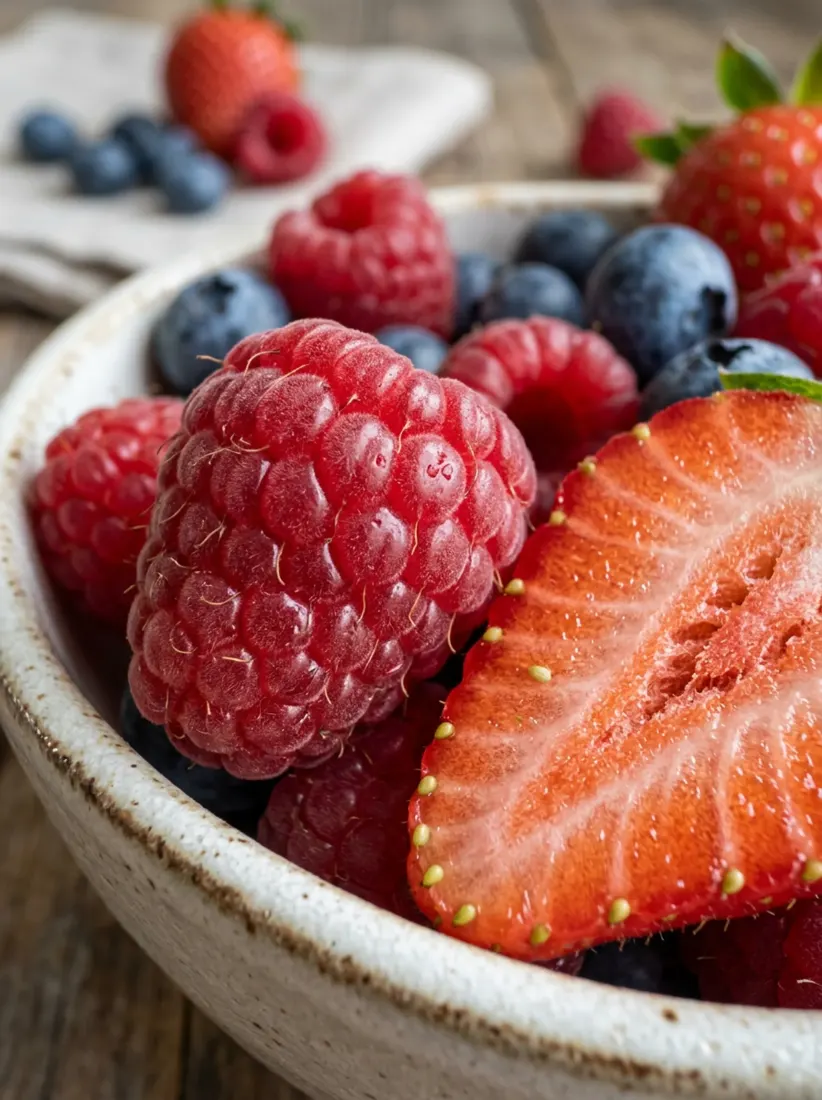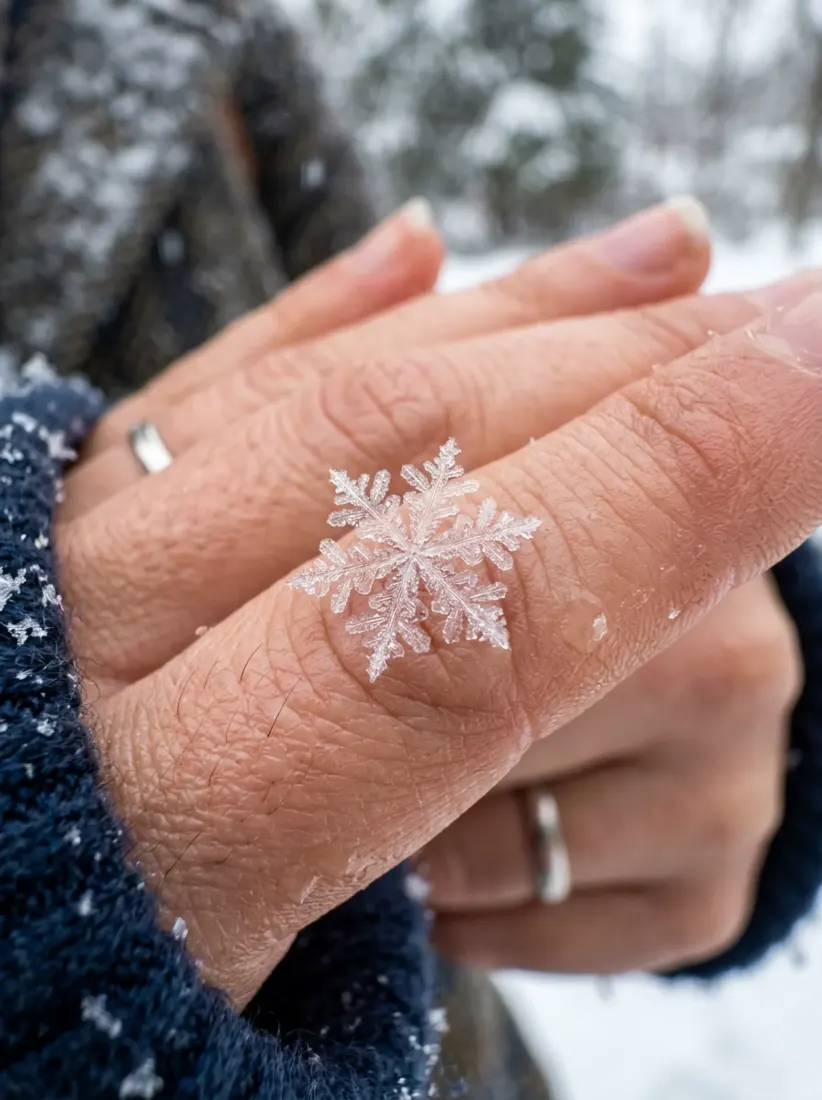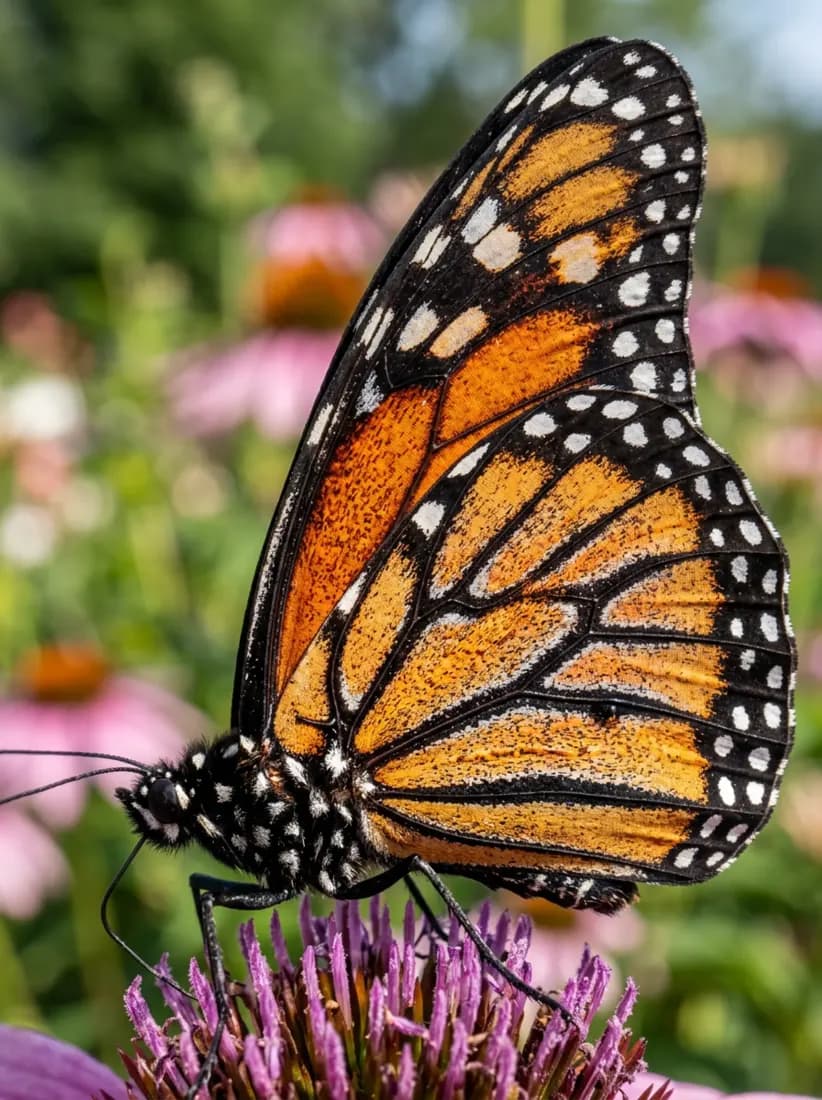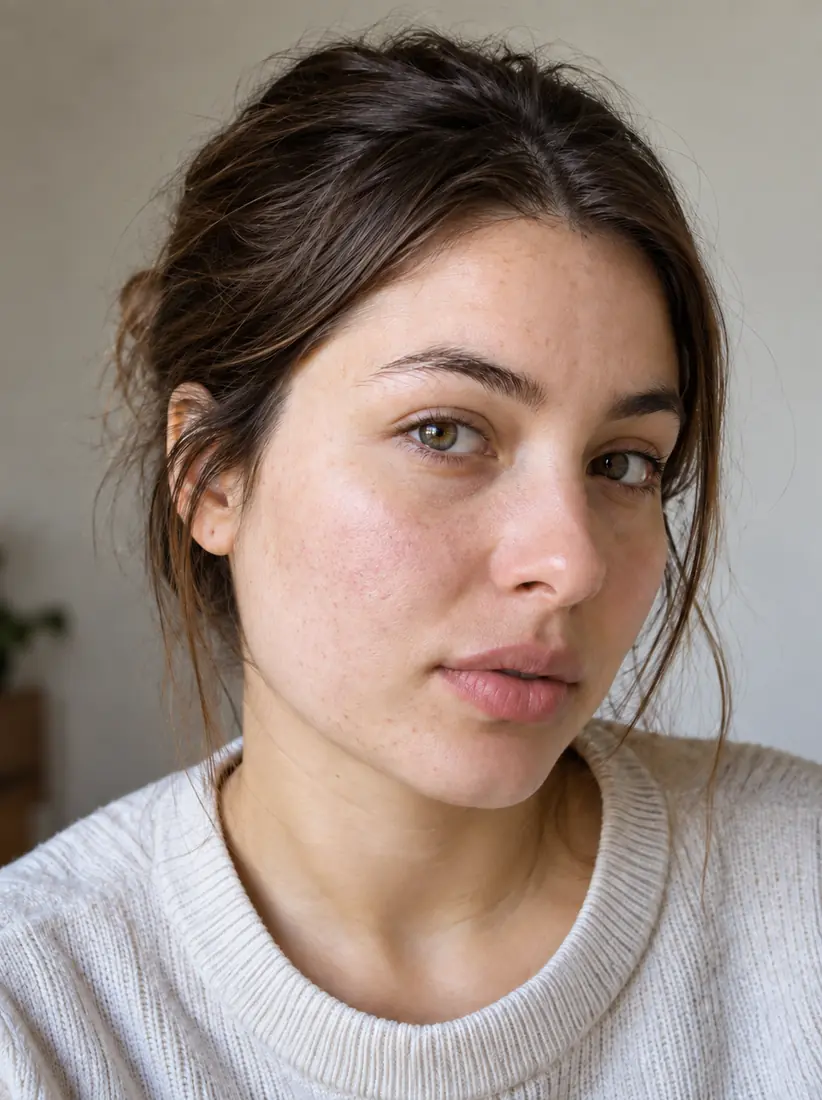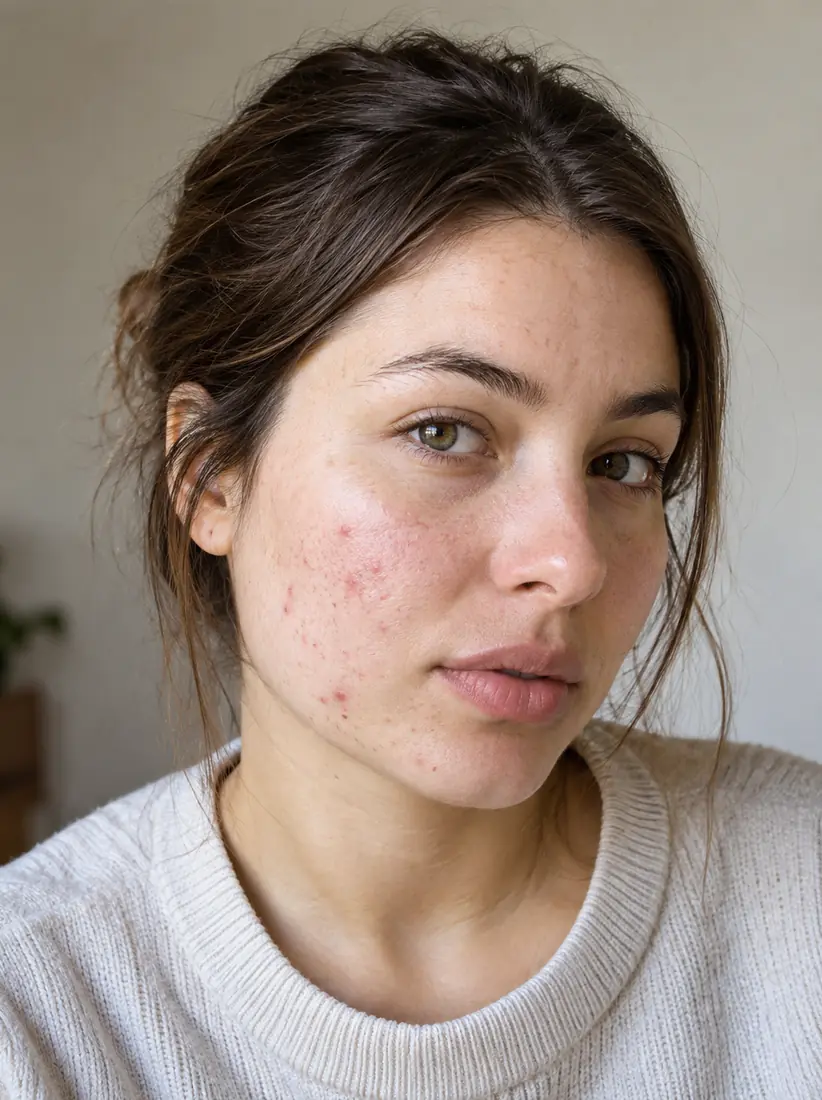




Before
After


Portrait
Dark, grainy portrait
Aragon's photo enhancer works as a complete image enhancer: sharpen blurry photos, boost resolution, and remove noise in minutes. Enhance photo quality on portraits, real estate listings, product shots, and old photos, with no editing skills required.



Trusted by Industry Leaders. Millions of images edited to date.









To enhance a photo with AI, upload the image, let Aragon rebuild detail and correct lighting automatically, and download the result. The AI sharpens edges, removes noise, and increases resolution while keeping the original lighting and color intact.
UploadDrop in the photo you want to enhance. It works on portraits, product shots, real estate listings, old family photos, and any image where you want sharper detail.
Photo EnhancerAragon analyzes the photo and rebuilds detail, sharpens edges, removes noise, and increases resolution. The original lighting and color stay intact, so the result looks naturally improved.
DownloadReview the result and download a clearer, higher-resolution version. Use Aragon's other tools to swap backgrounds, restore old photos, or remove objects before saving.
A photo enhancer is easiest to judge visually. Compare a dull or grainy original against its AI-enhanced version across portraits, products, and real estate shots, and see noise removal, lighting calibration, and detail sharpening together.
Portrait
Dark, grainy portrait
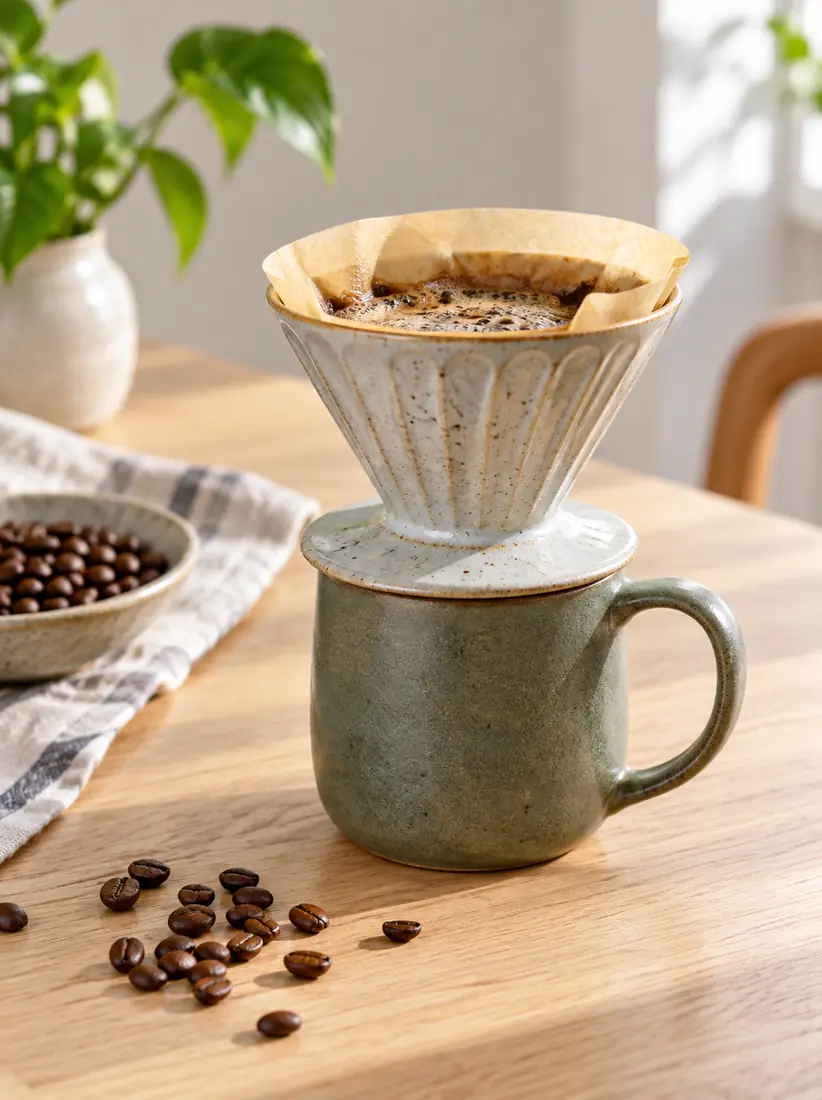
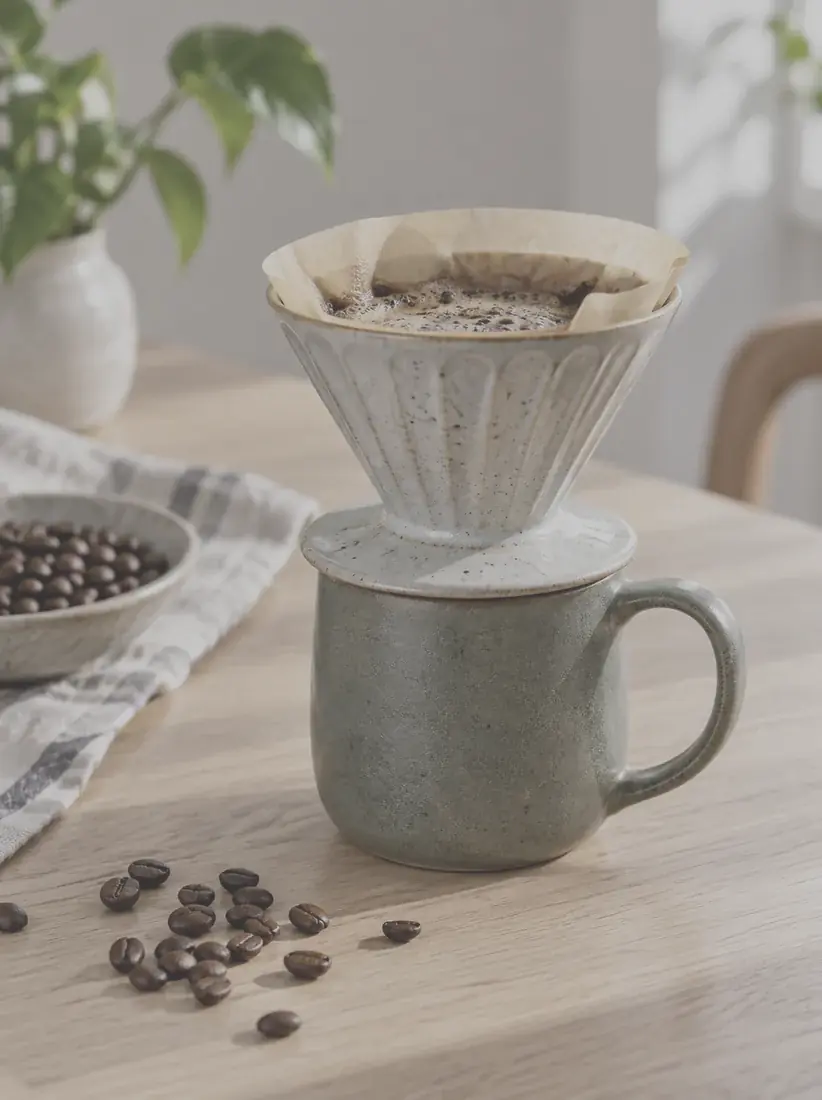
Product
Dull-lit product shot
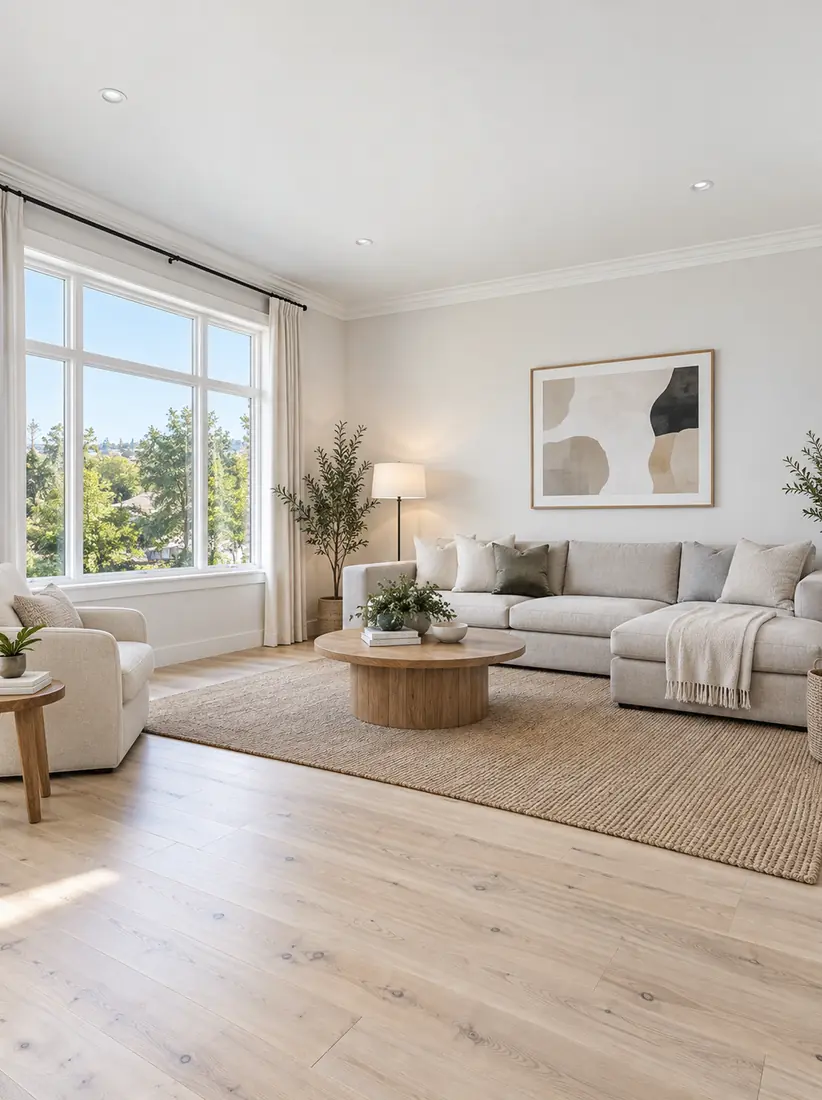
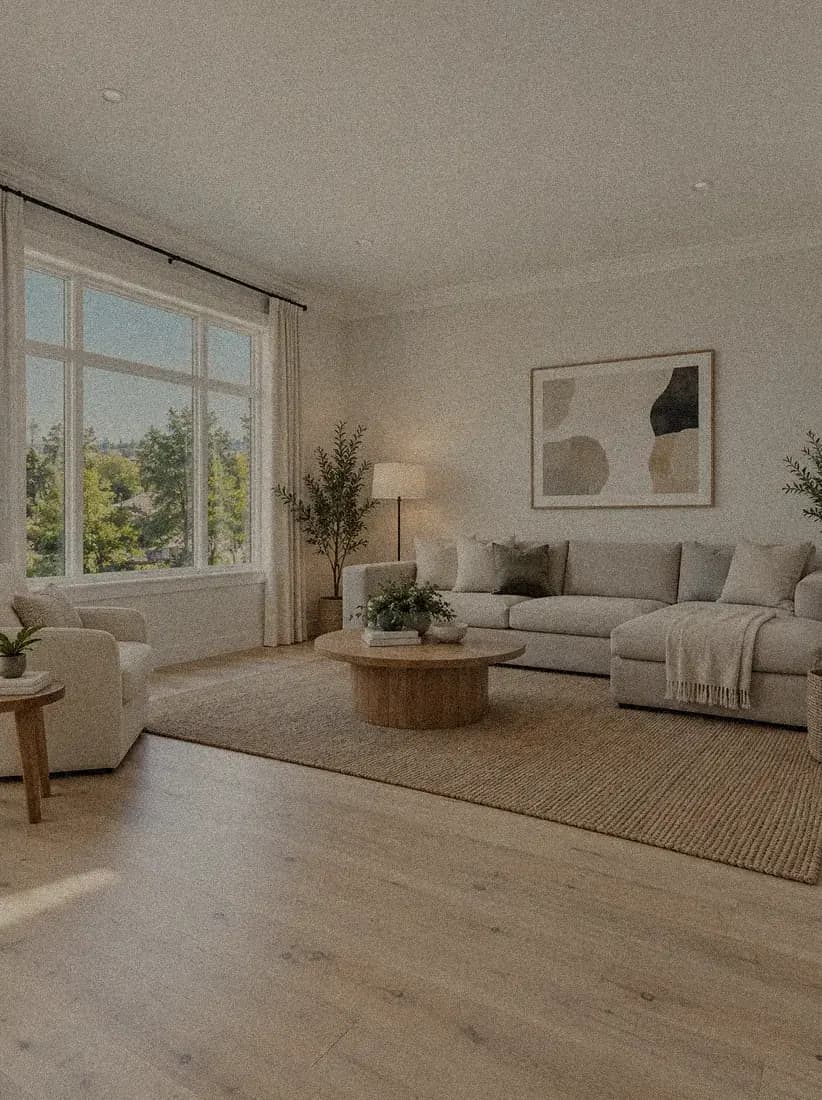
Real estate
Underexposed real estate interior
AfterBeforeSmooths out grainy, low-light artifacts and ISO noise without losing the underlying texture of the photo.
Balances colors and shadows automatically to fix dull, underexposed, or poorly lit shots.
Adds missing pixel data to sharpen detail and bring out fine texture in faces and objects.
Upload, enhance, and download. No editing software or design experience required.
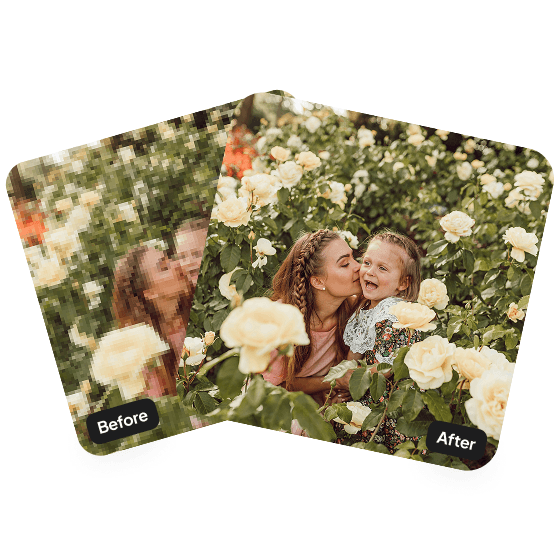
Before posting anything on social media, make sure to enhance them using this tool for better engagement and views. Aragon fixes this in just a few minutes!
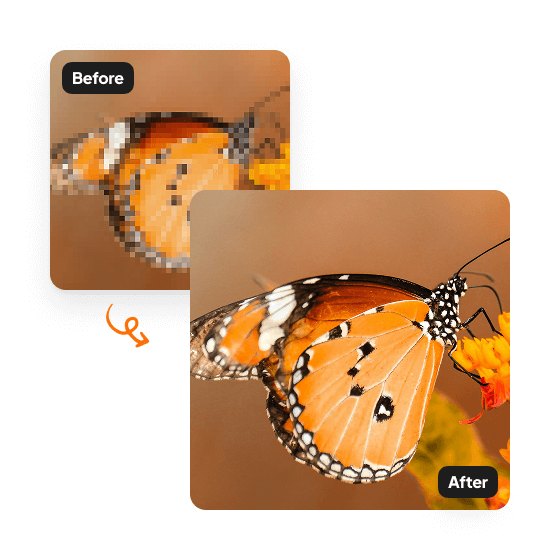
Improve LinkedIn, dating app, and social profile photos in minutes. Aragon's AI photo enhancer fixes blurry selfies, increases resolution for crisp profile thumbnails, and adds clarity without making the photo look artificial.
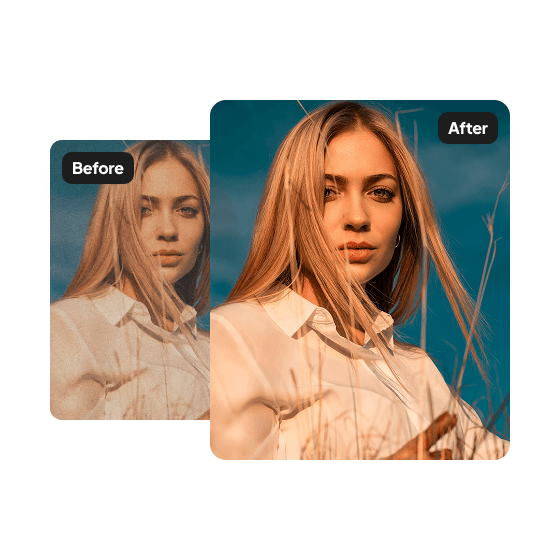
Sharp product photos drive sales. Aragon's AI photo enhancer fixes low-resolution product shots, removes noise from quick captures, and upscales images to meet marketplace requirements like Amazon, Shopify, and Etsy listings.
An AI photo enhancer is useful anywhere image quality is holding a photo back, like a dark selfie or a dull product shot. Aragon's tool covers portraits, ecommerce, real estate, and marketing use cases.

Enhance blurry selfies, dark headshots, or old camera phone pictures for a polished, professional look.

Sharpen product images and correct colors so your online store looks professional and boosts buyer confidence.
Brighten dark interior shots, reduce shadows, and bring out the details in property listings to attract more buyers.

Enhance digital assets so they look crisp and vibrant in ads, banners, and print materials.
If you specifically need a much larger, higher-resolution file, use the Image Upscaler. If you need to fix the lighting, noise, and clarity of your current image, use the AI Photo Enhancer.
| Feature | AI Photo EnhancerYou're here | Image UpscalerTry Image Upscaler |
|---|---|---|
| Primary Goal | Improves visual quality (lighting, color, noise) | Increases physical size and pixel count |
| Resolution Change | Modest increase (adds missing detail) | Significant boost (e.g. 4x larger) |
| Best Used For | Dark, grainy, blurry, or dull photos | Preparing files for print or large displays |
Aragon's photo enhancer works with all major image formats, so photos from phones, cameras, and scans can be uploaded directly.
The AI adds pixels and detail, which can modestly increase resolution and file size. It is not designed to significantly boost resolution; for that, use the Image Upscaler.
Your photos stay private during processing. For full details on how uploads are handled, refer to Aragon's Privacy Policy.
Millions of images have been edited using Aragon's AI photo editing suite, trusted by teams at PwC, Microsoft, Redfin, NYU, and other industry leaders. Aragon holds a 4.8 rating on Google and a 4.9 rating on Trustpilot.
The headshots look like me! And the enhancements, ie background changes are greatOct 1, 2026AMAndrew M
Easy to use, for the $75 option got 100 pictures. Many were good and able to edit a few of them for free credits. I would recommend if you need quick and easy headshots.Oct 1, 2026LBLori Bertrand
this was a great app, it made my photos very professional and realisticOct 1, 2026
Customer satisfaction is our number one priority. Our live agents are available 7am - 11pm (PT), 5 days Sunday through Thursday.
The Leading AI Headshot Generator for Professionals
Trustpilot
Trusted by professionals and teams
Earn 30% for every referral
Join our affiliate program for free!

Copyright © 2026 Aragon AI, Inc. All rights reserved.